DESIGN CHALLENGE
How might we support small local sellers so they can showcase products and manage orders without added stress?
In other words: can we build a tool that lets them manage product listings, livestream or promote items, and handle orders & pickups, without requiring them to invest in complex infrastructure or risk heavy losses?

RESEARCH & ANALYSIS
Leveraging on multi-faceted user and market research to build a data-backed foundation for pain point identification and solution validation.
Interviewing hyperlocal vendors, observing their daily operations, and analyzing competing platforms gave me insights into their real-world workflows, technical limitations, and unmet needs. This research helped translate vague pain points into actionable design directions tailored to small sellers.
METHODOLOGY
Phase1. Generate

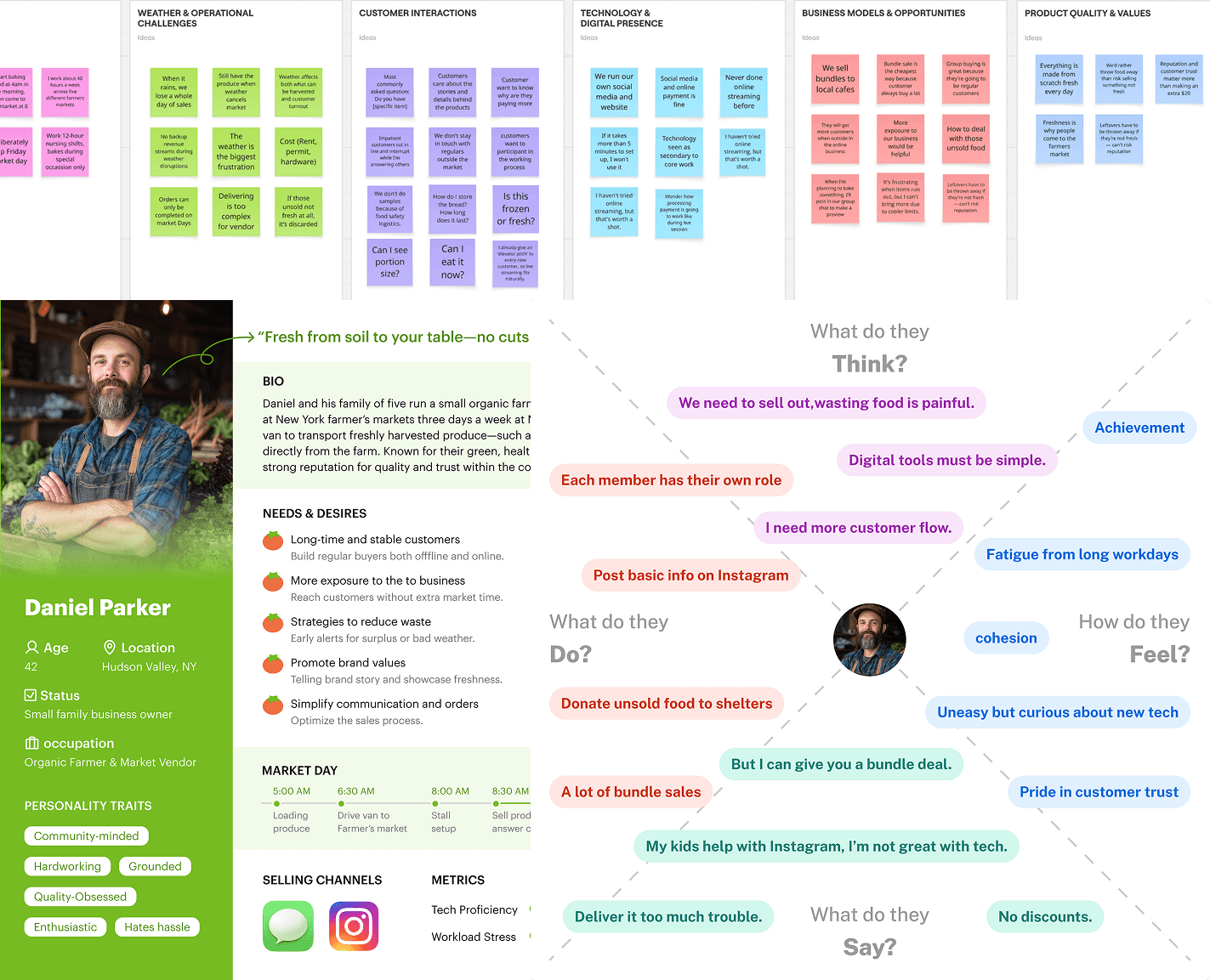
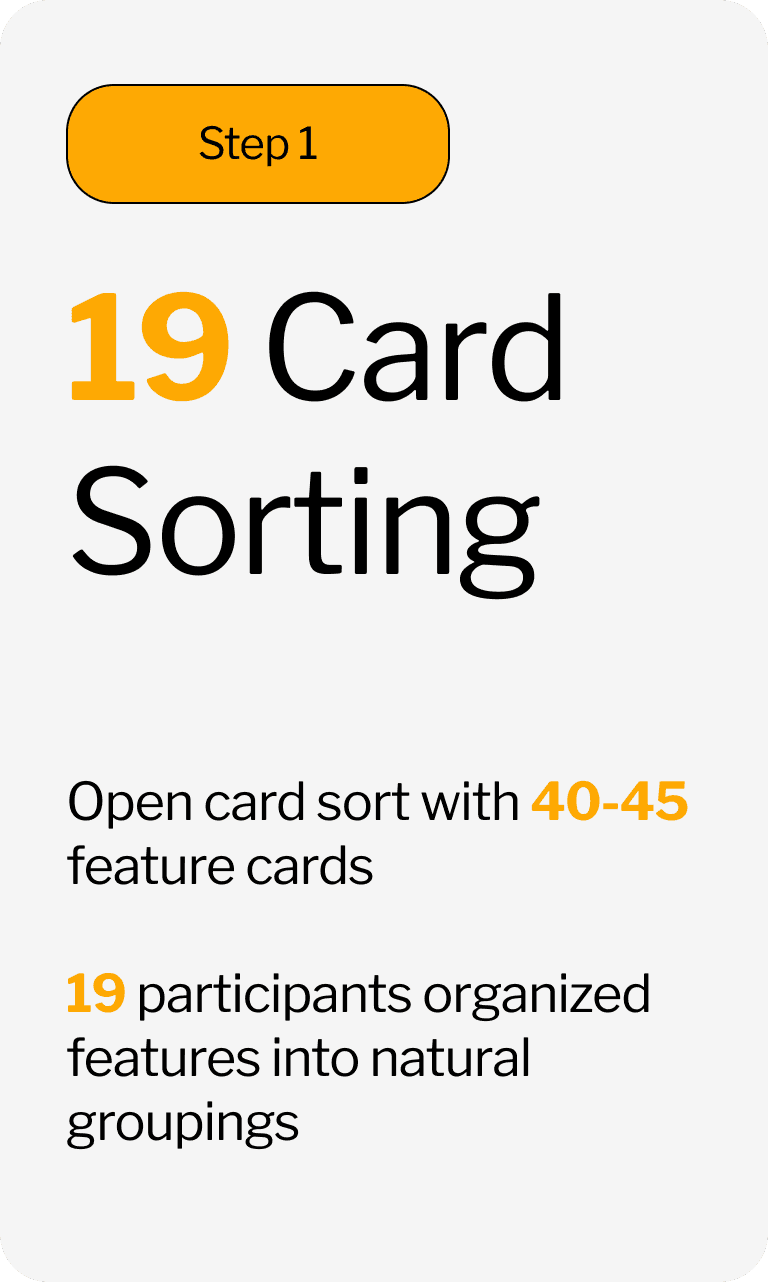
I dug into sellers’ real needs through field visits, interviews, and card sorting, translating pain points into 4 core feature themes.
Phase2. Create

I turned research into designs: validated navigation through tree testing, optimized flows, and built low/mid-fidelity prototypes.
Phase3. Evaluate

I tested the prototype with target sellers, fixed high-priority usability issues, and polished the final design to fit real scenarios.
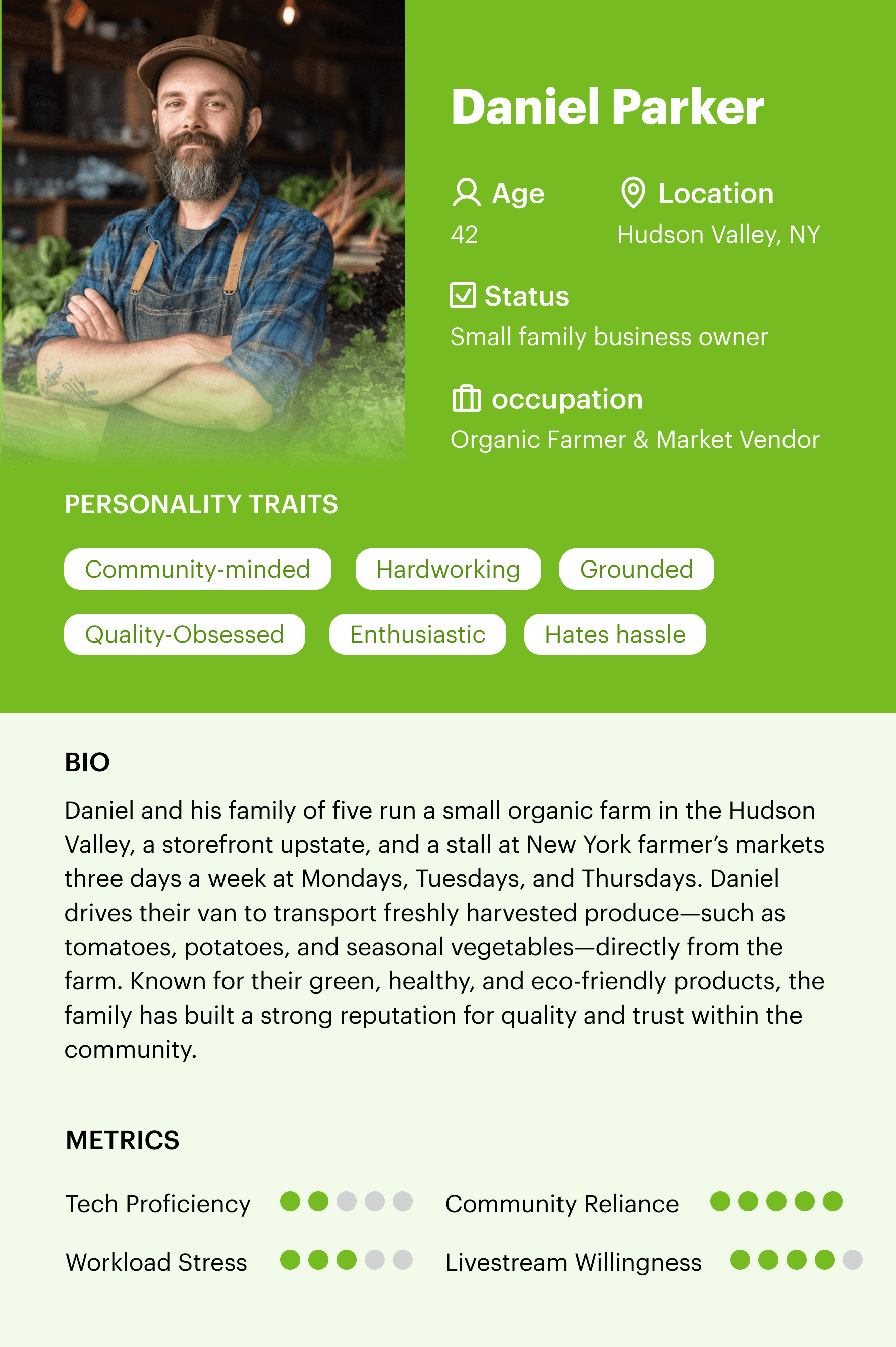
USER PERSONA

NEEDS & DESIRES
Long-time and stable customers
Strategies to reduce waste
Simplify communication and orders
Promote brand values
More exposure to the business

PAINPOINTS
Loss of unsold goods
Unpredictable demand and waste
Time drain in market day
Live stream anxiety
PROBLEM
Local sellers face unique barriers to sustainable income and digital outreach.




Many vendors in farmers markets, especially those selling fresh produce, handmade goods or perishable foods, facing persistent structural and operational challenges that hinder their ability to scale or even sustain sales.
MY KEY DELIVERABLES
User Understanding
Through field visits, interviews, and card sorting, I defined the core needs of small local sellers.
IA & Core Workflows
I turned research insights into a clear information architecture, and defined the core workflows shaping the seller experience.
Experience Design
I designed and tested the workflows across core functions. Insights from usability testing guided the final iteration.
*Click each picture to visit different phases.
OVERVIEW
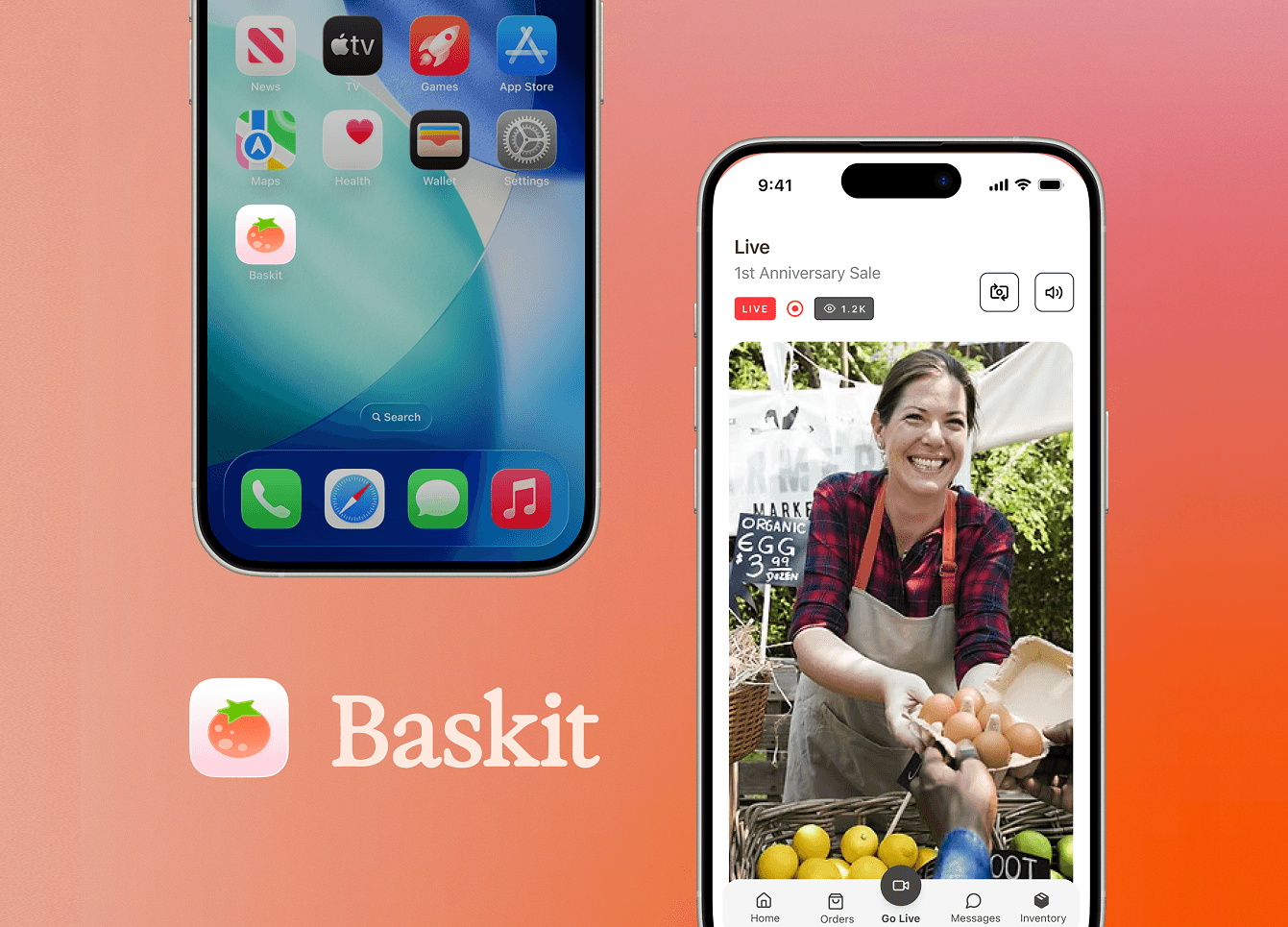
Transforming how local sellers connect with communities through same-day pickup commerce, live-streamed.
Baskit is a live shopping marketplace designed exclusively for small, hyperlocal vendors—from farmers market stall owners to hobby sellers balancing side businesses with full-time jobs. Unlike generic e-commerce platforms, Baskit centers on community-centric, in-person pickup, letting sellers broadcast live from their stalls to showcase seasonal goods, answer customer questions in real time, and streamline order management—all without the technical burden or weather-dependent risks of traditional local selling.
Our team delivered end-to-end design for the seller experience, addressing core pain points such as cumbersome setup workflows, fragmented order tracking, and insufficient live-streaming tools tailored for low-tech users.
Company
Team Project
Timeline
4 month
Role
UX Researcher, UIUX Designer, Brand Designer
Responsibilities
User Research, Tree Testing, Usability Testing, Insight Synthesis, IA Design, Task Flows, Wireframes, Prototyping, Interaction Design, Design System, Illustration, Brand Integration
Final Prototype:
https://www.figma.com/design/nAtNOVmWFnlj2kJPjloube/Annie-Baskit?node-id=0-1&t=6ZYszjf1T0g9Nysl-1
DESIGN & ITERATIONS
Testing revealed gaps between our initial solutions and real user behavior, these 3 pain points became the focus of iterations.
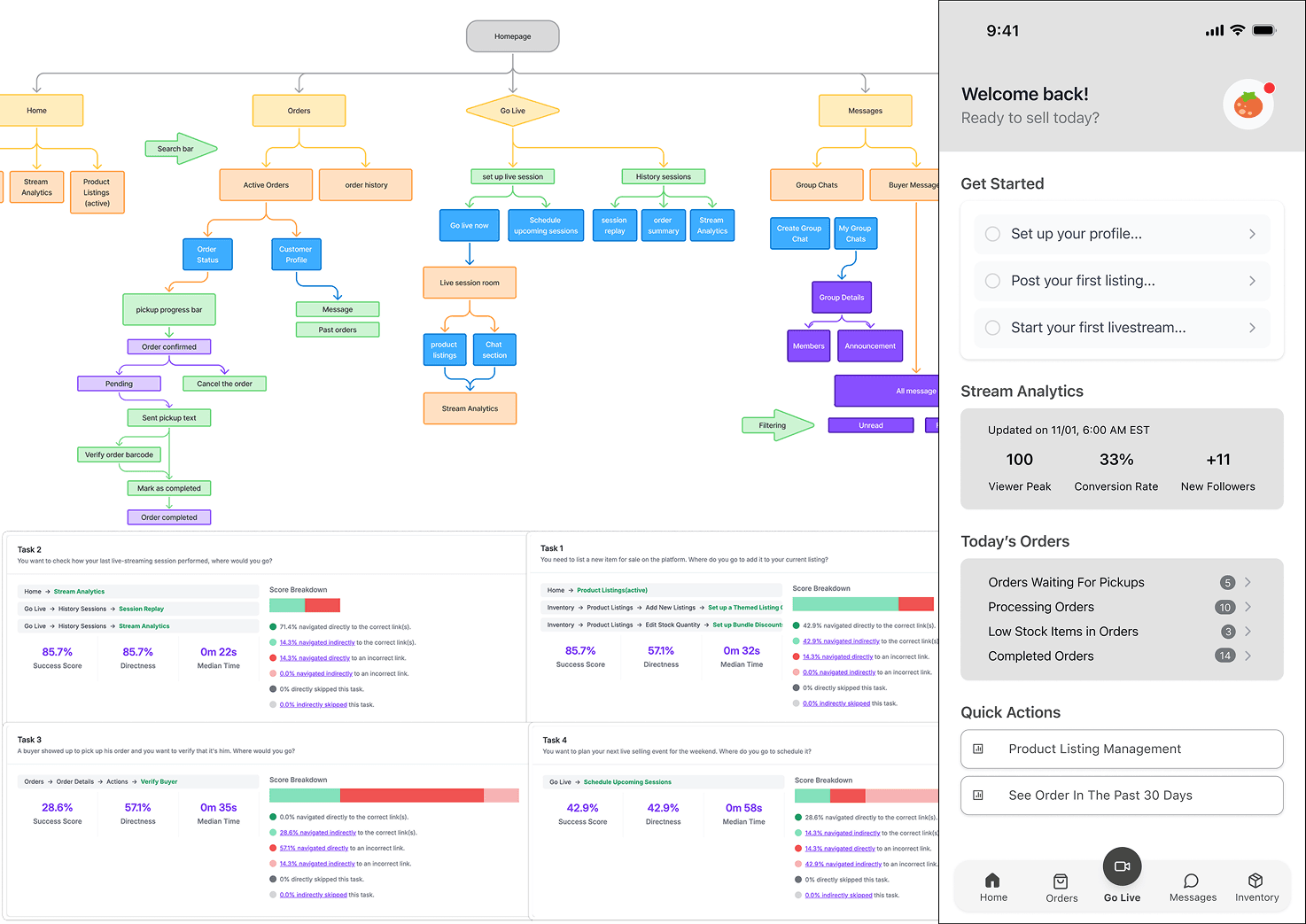
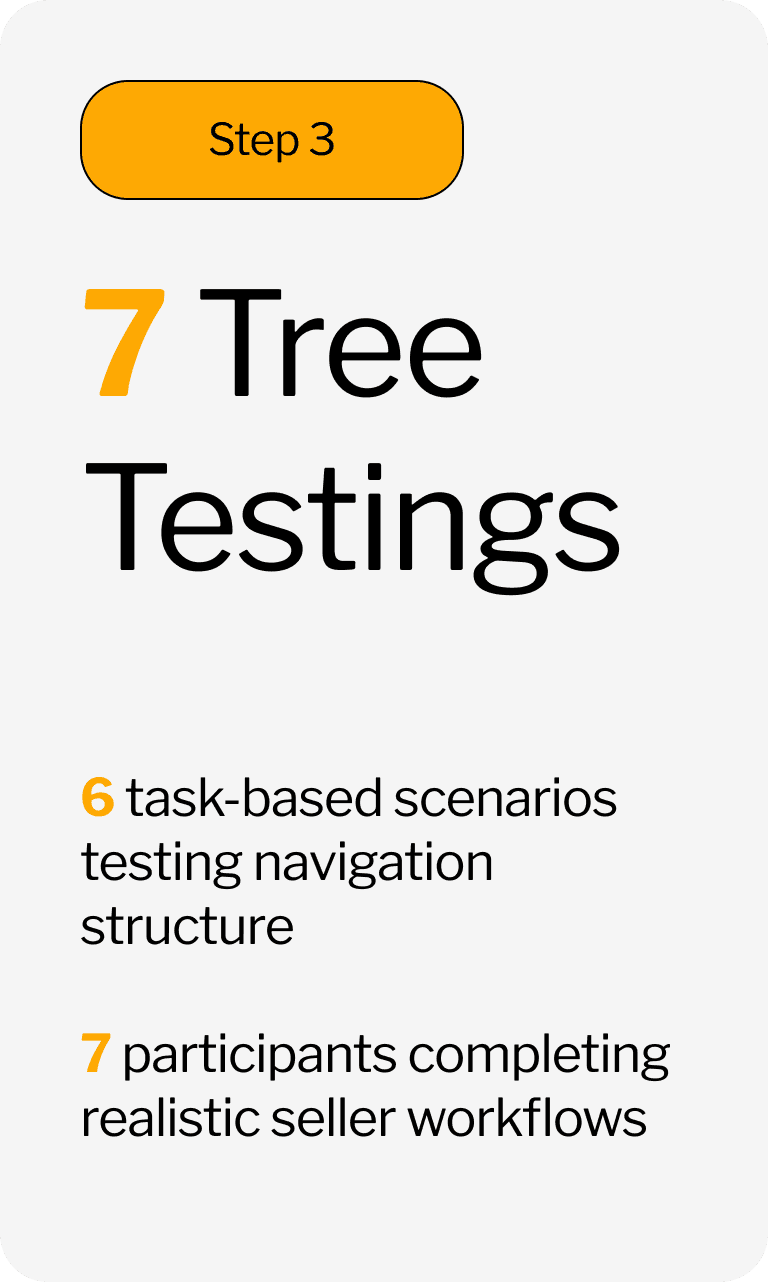
We conducted card sorting and tree testing, identified 2 key design challenges, iterated on critical user flows, and built a streamlined information architecture aligned with vendors’ mental models to resolve navigation and operational barriers.
USER FLOW OPTIMIZATION
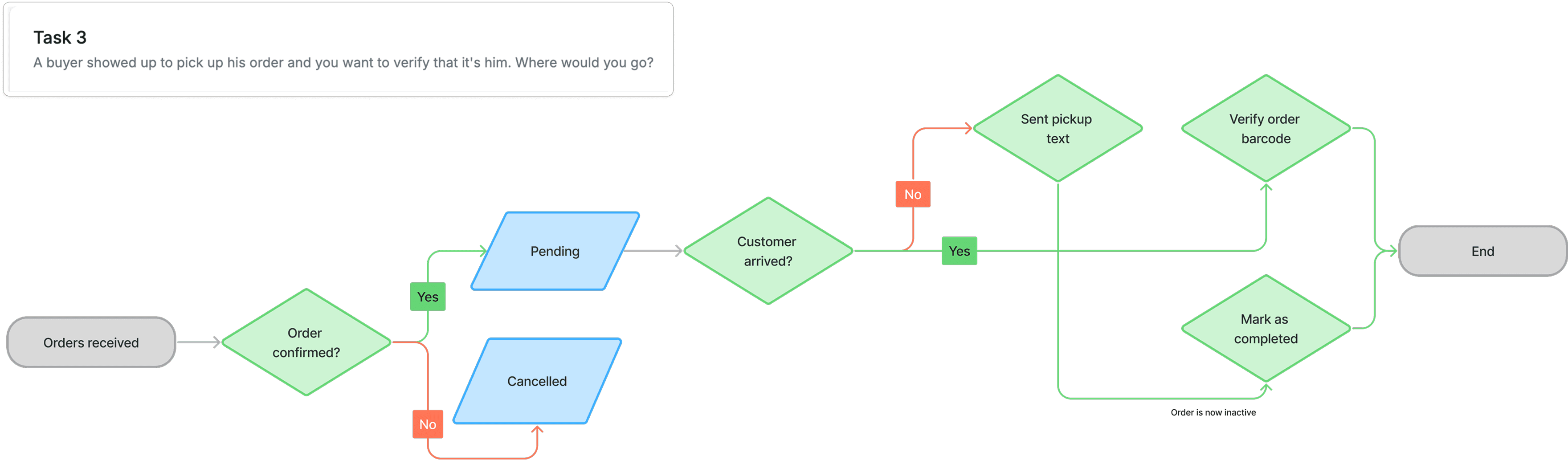
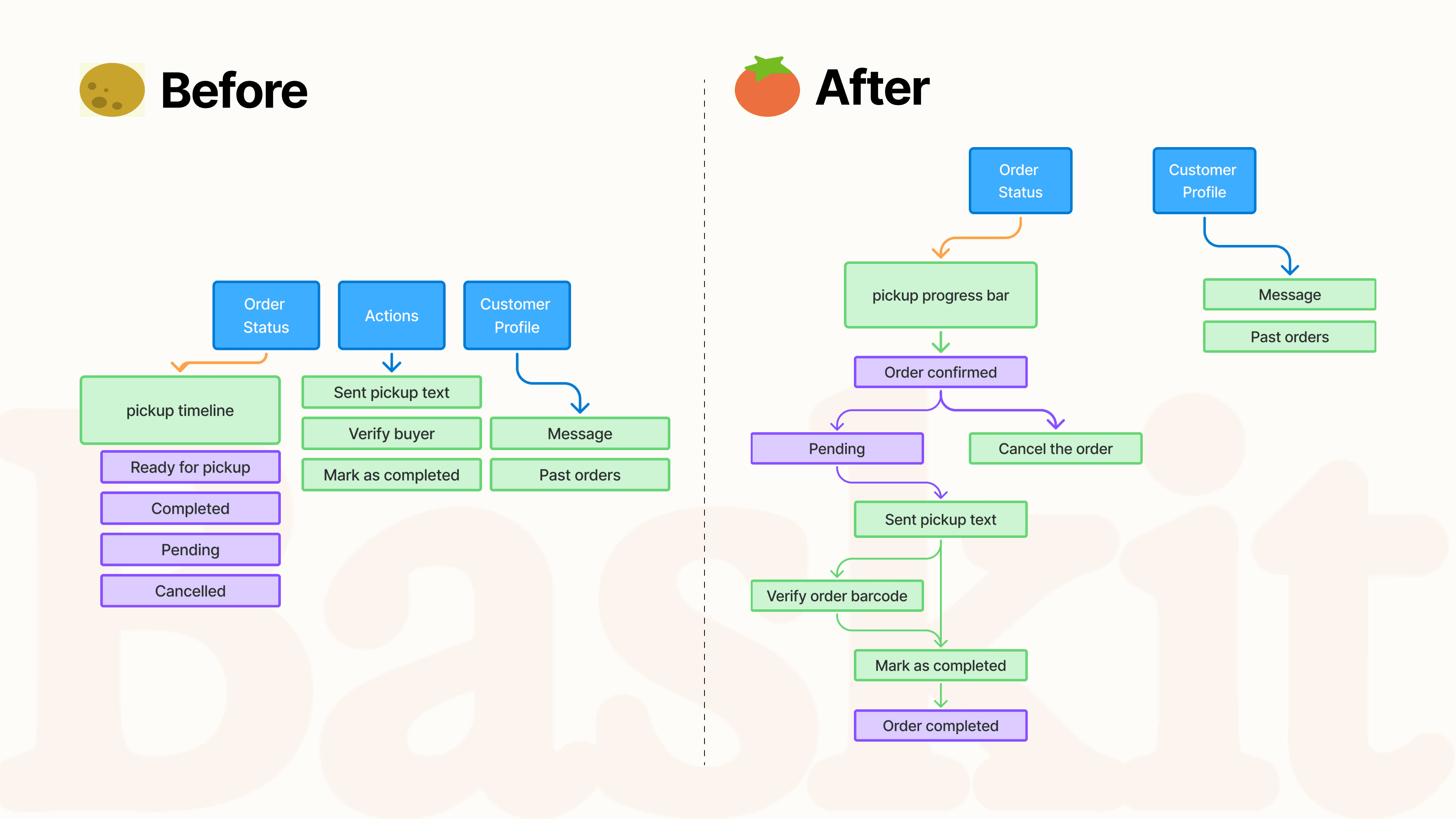
USER FLOW1: BUYER VERIFICATION
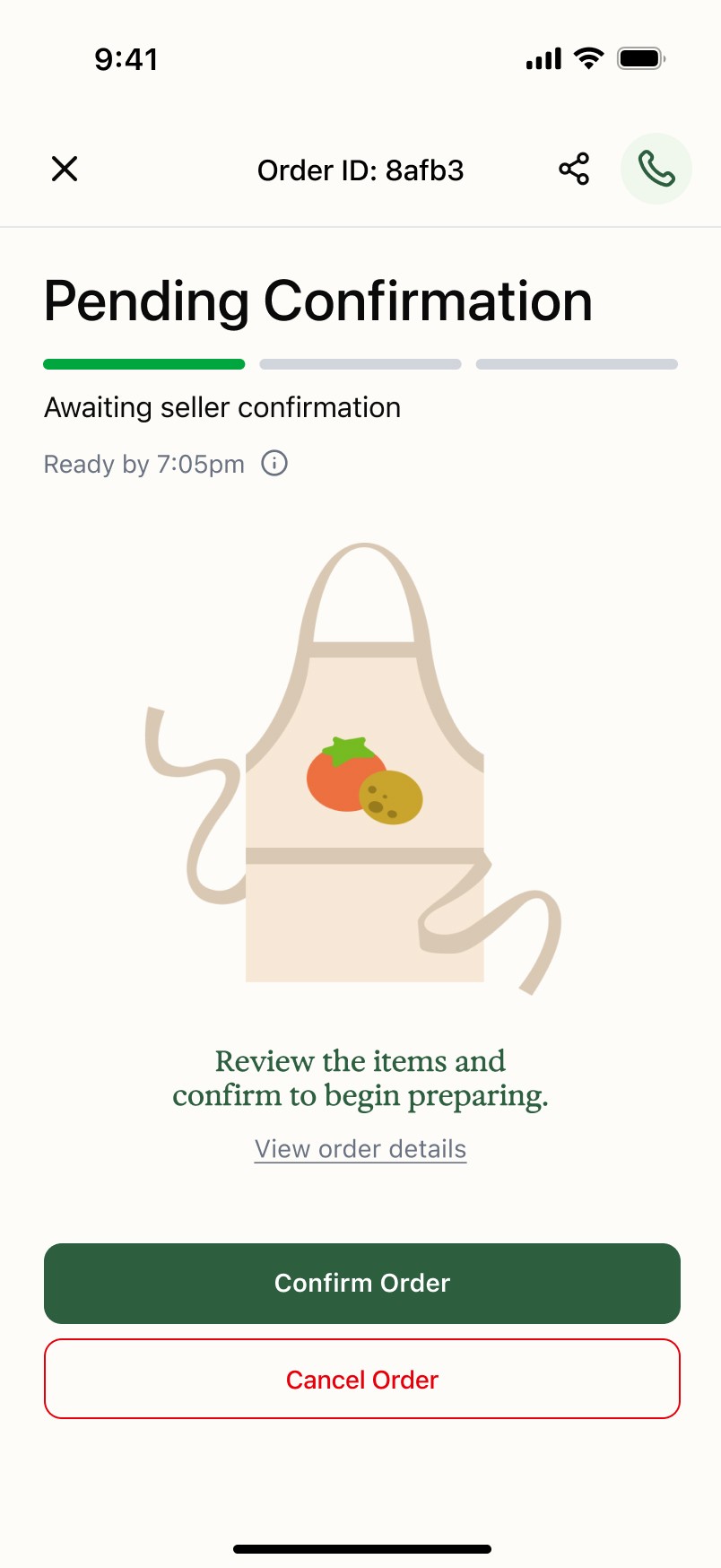
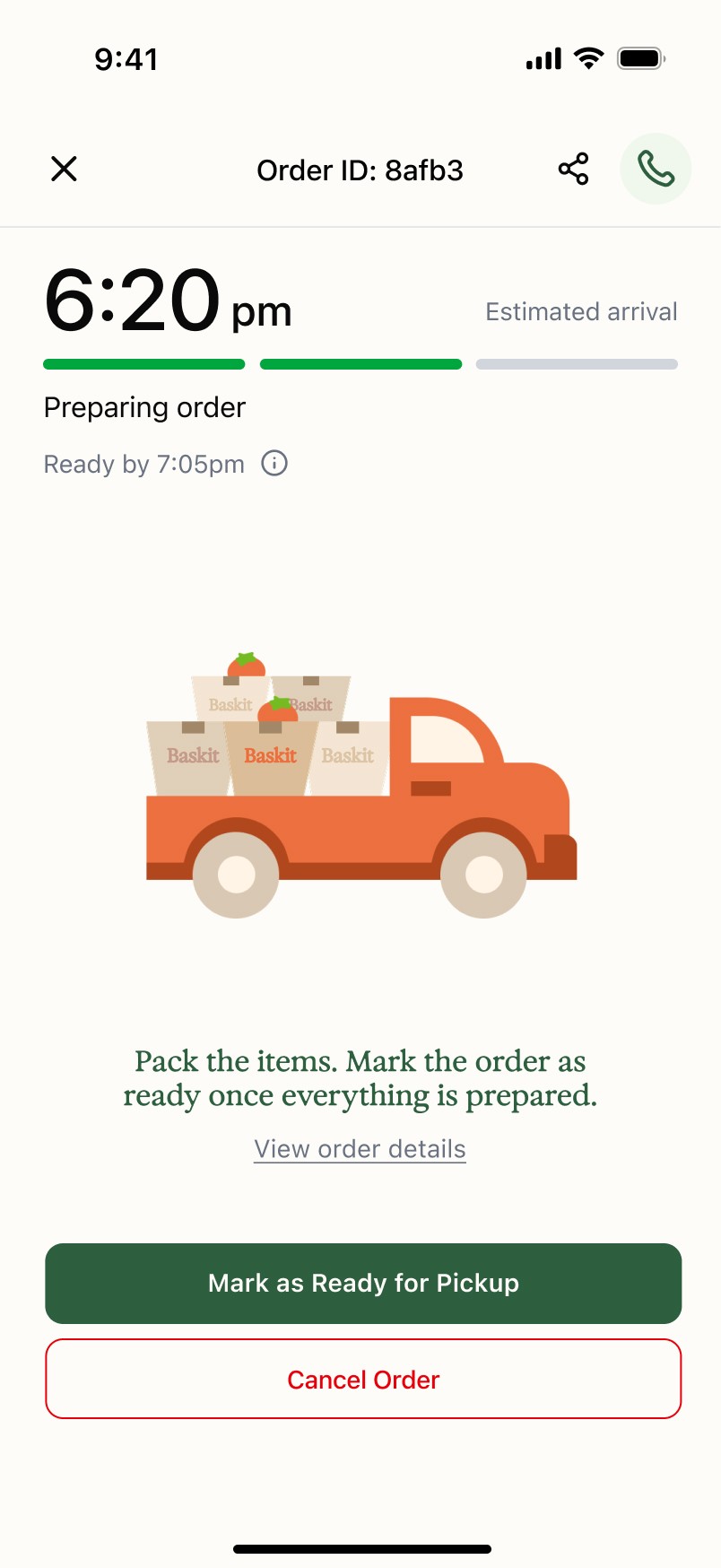
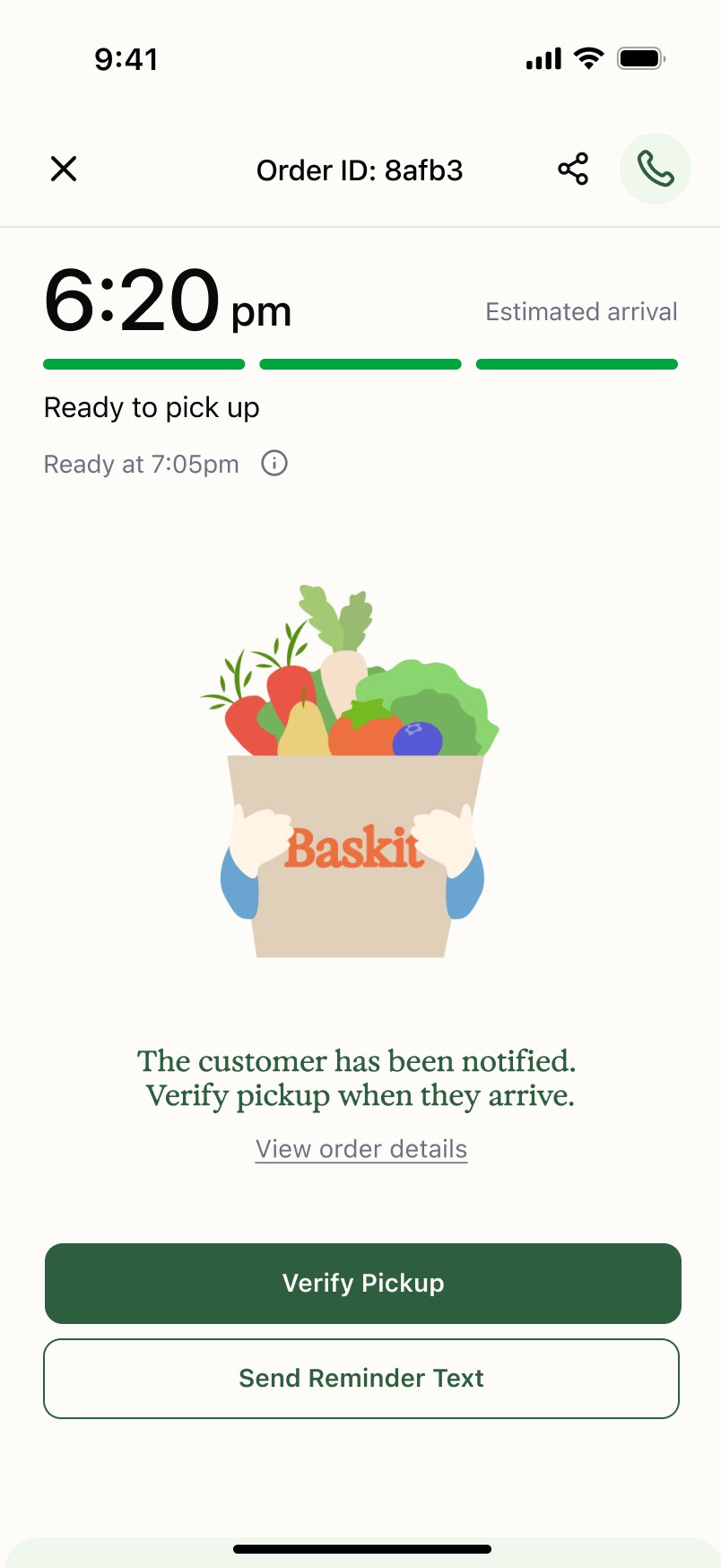
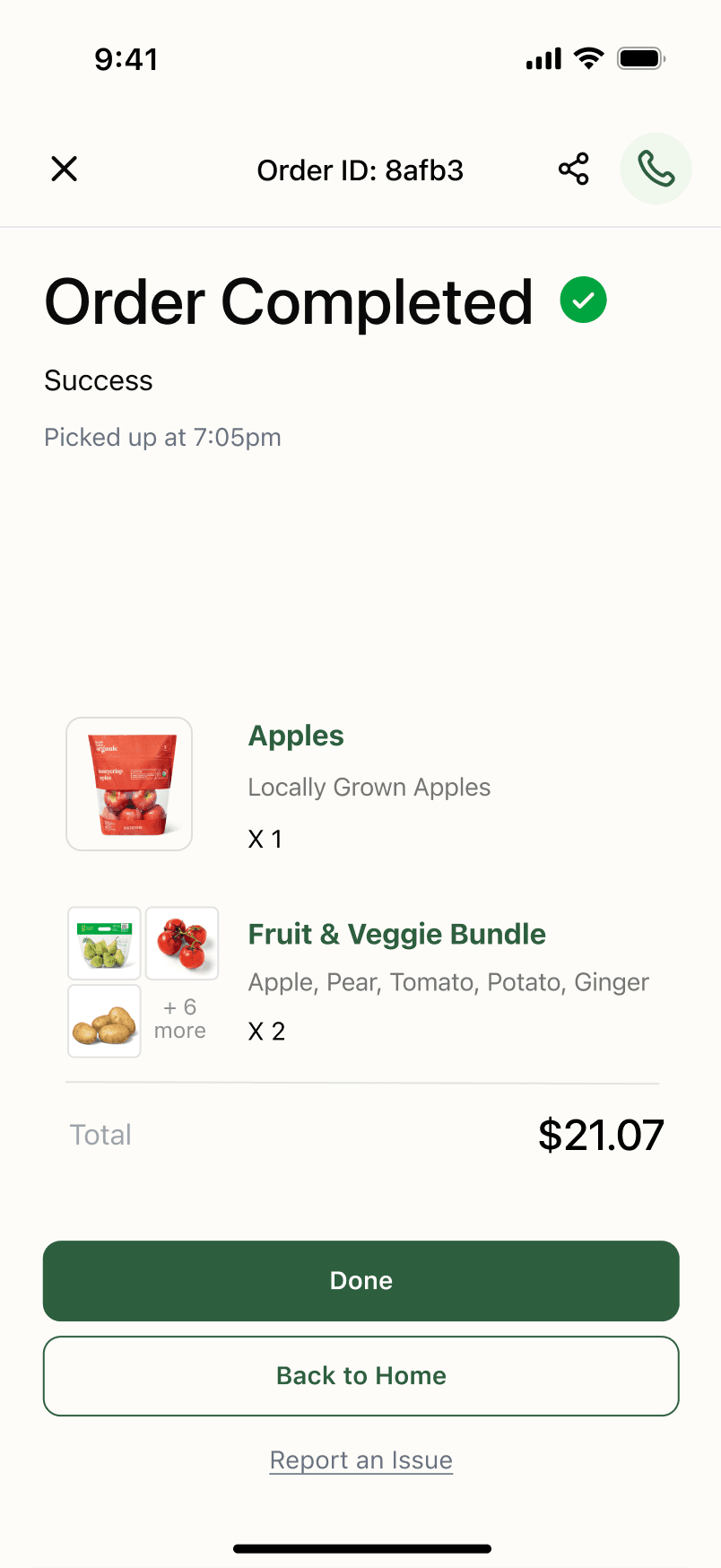
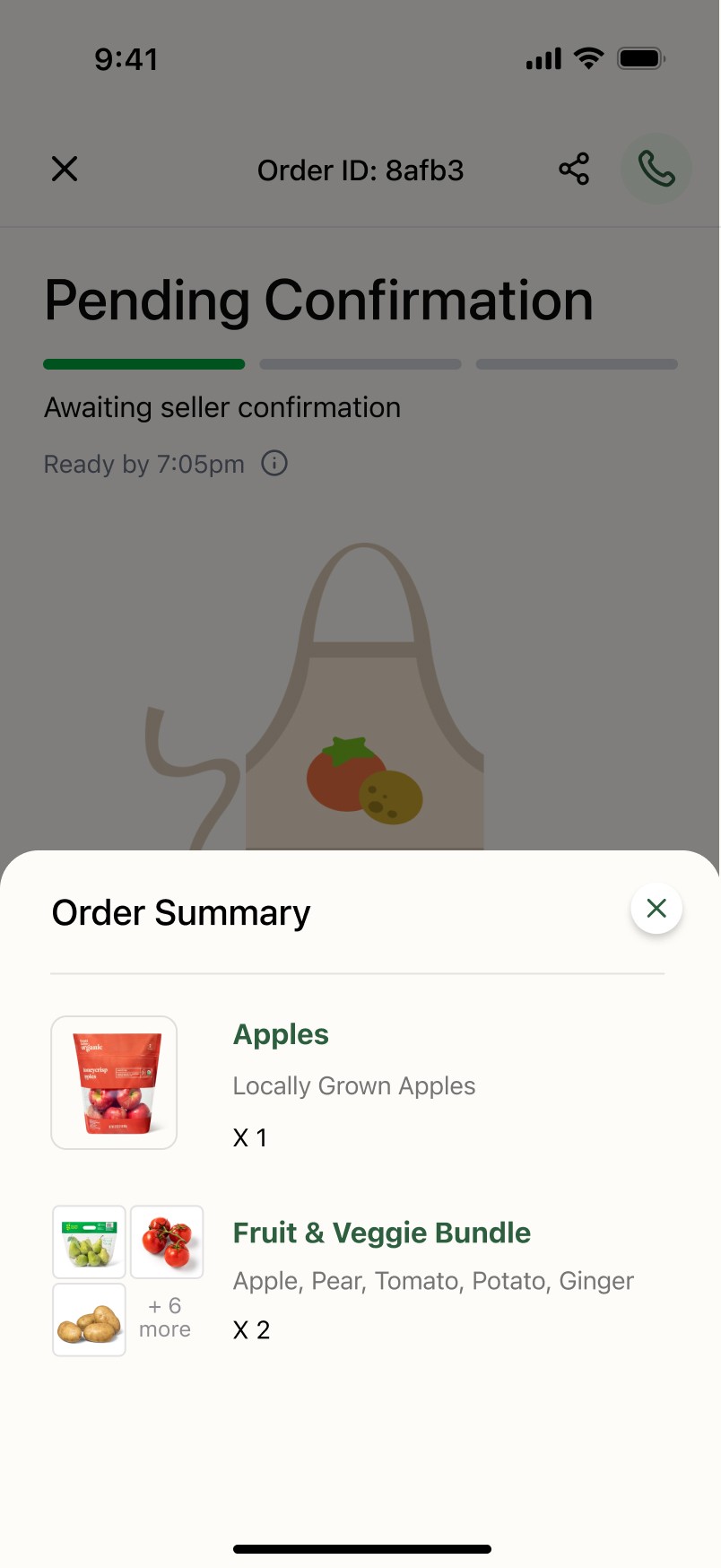
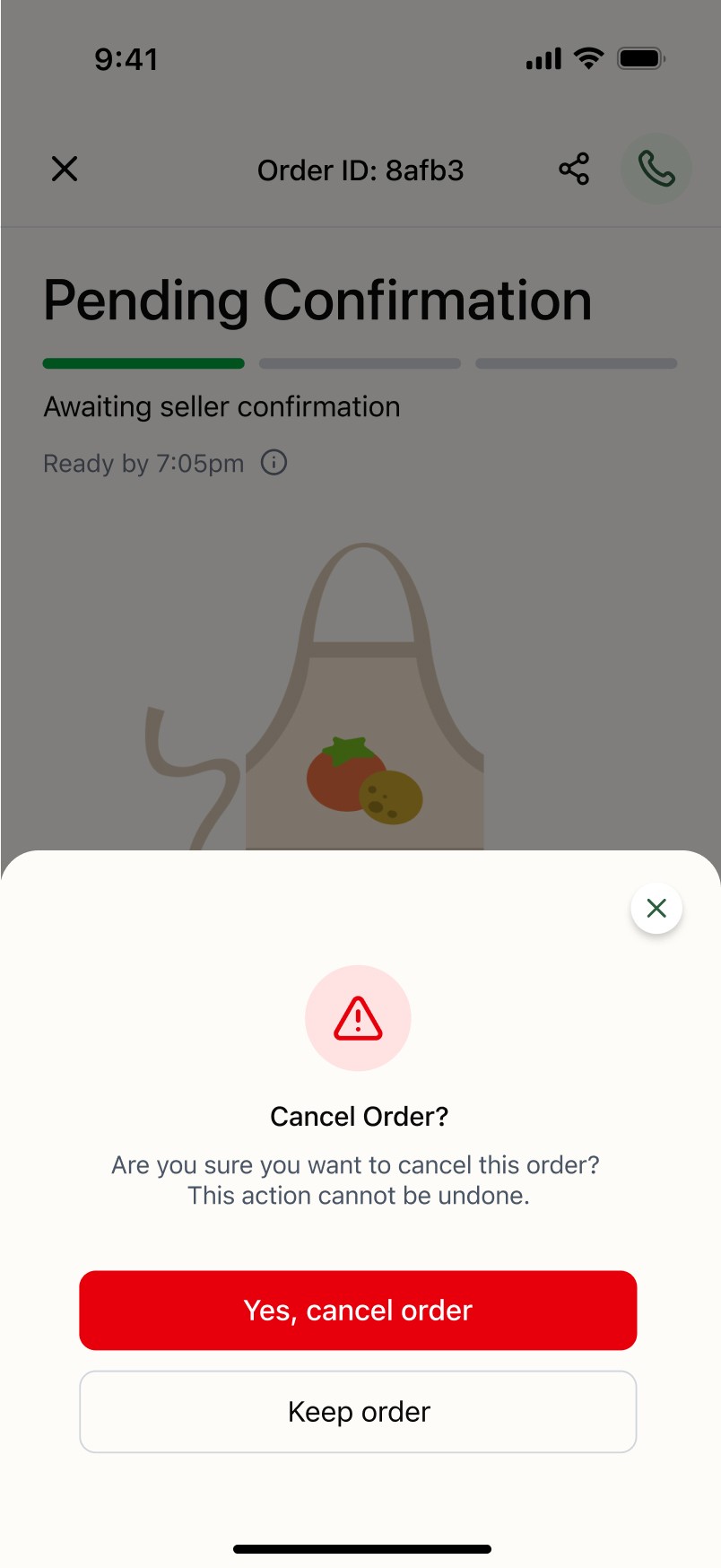
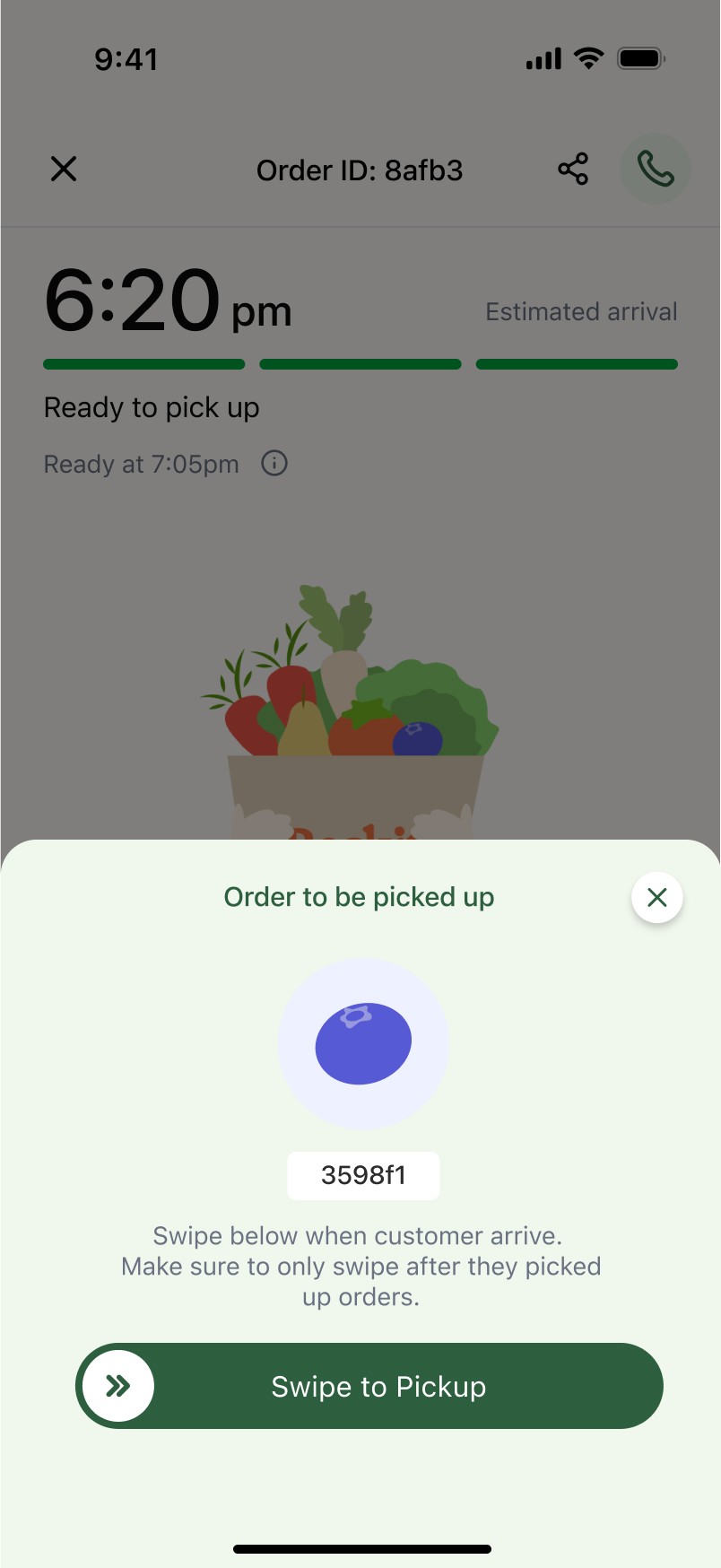
57 % of users don’t know what to do when given too many options in actions. We added progress bar to indicate the status of the order. Instead of displaying all the actions, only available action will be displayed based on the order status.
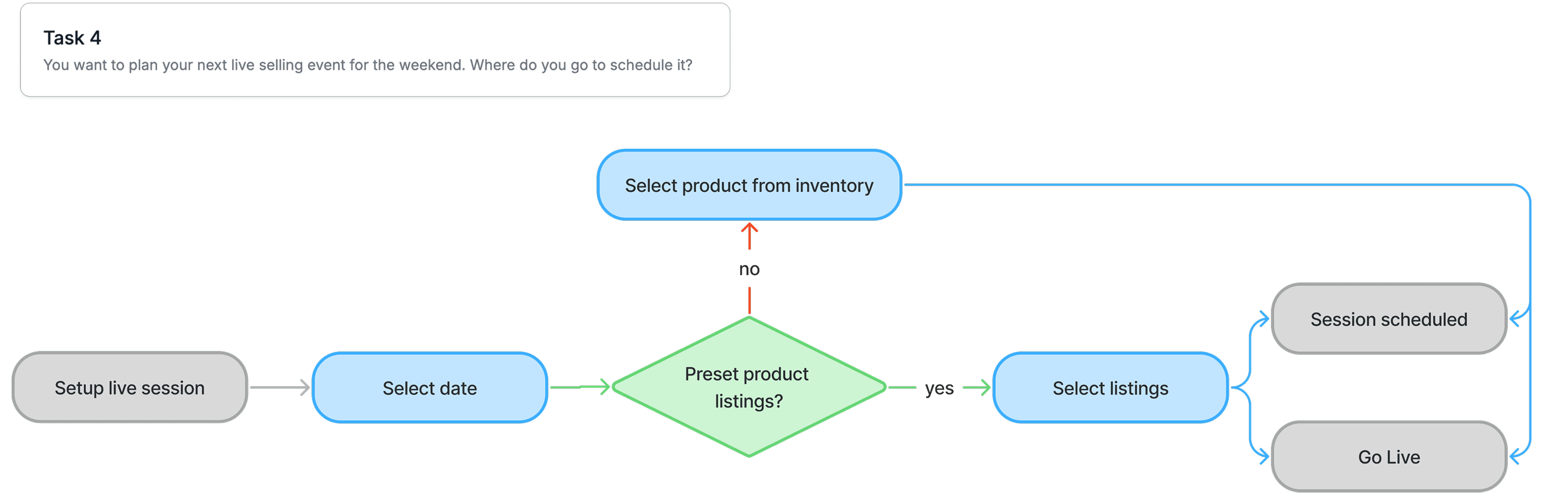
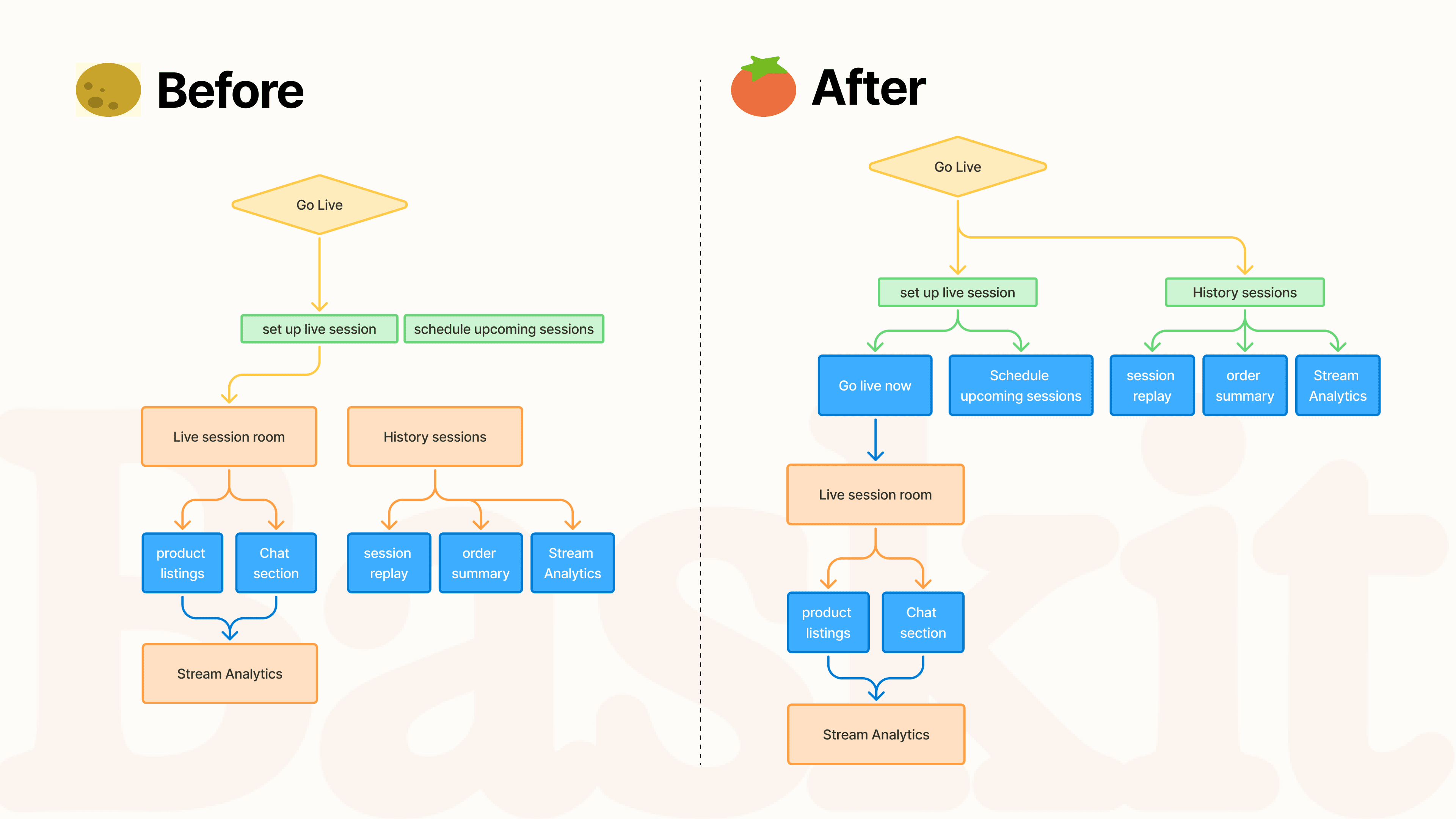
USER FLOW2: GO LIVE LISTING PICKING
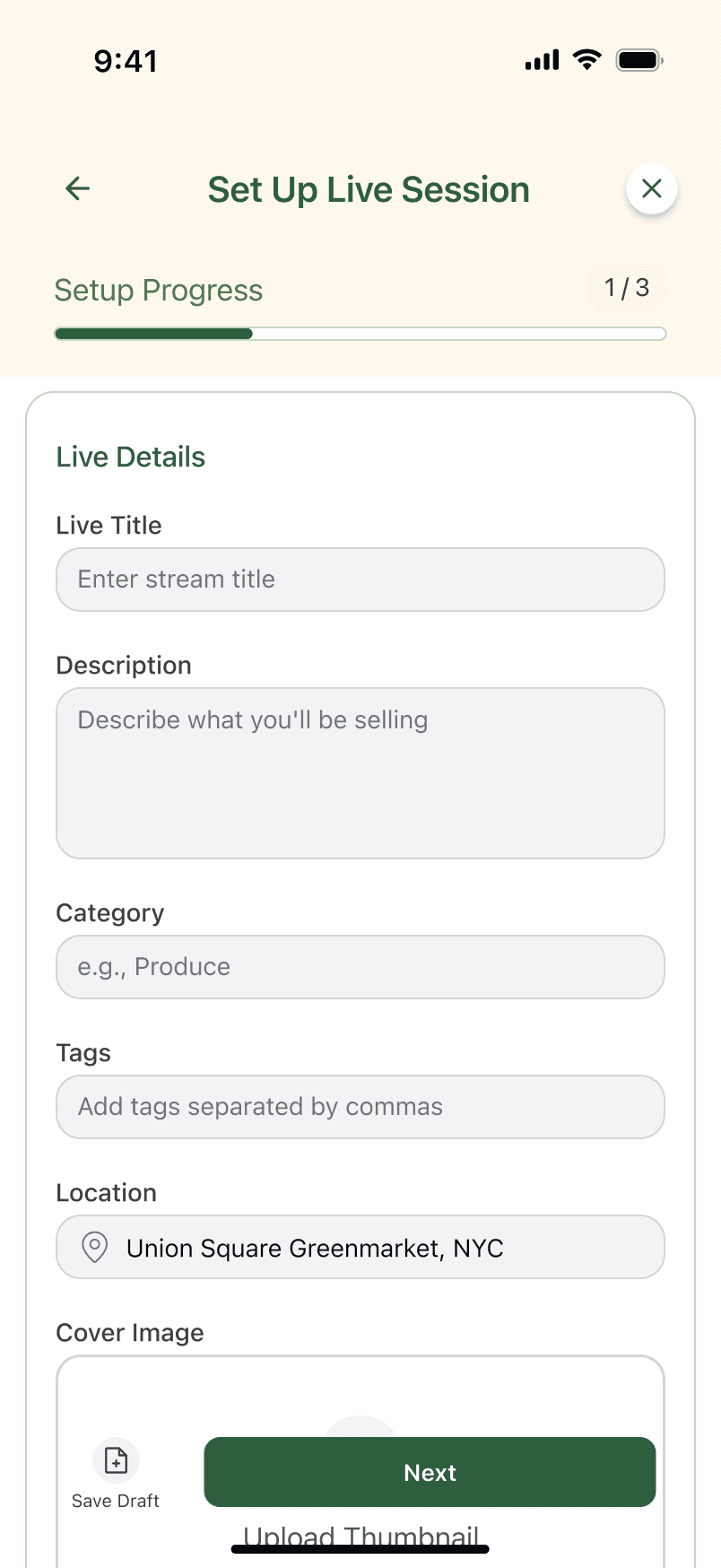
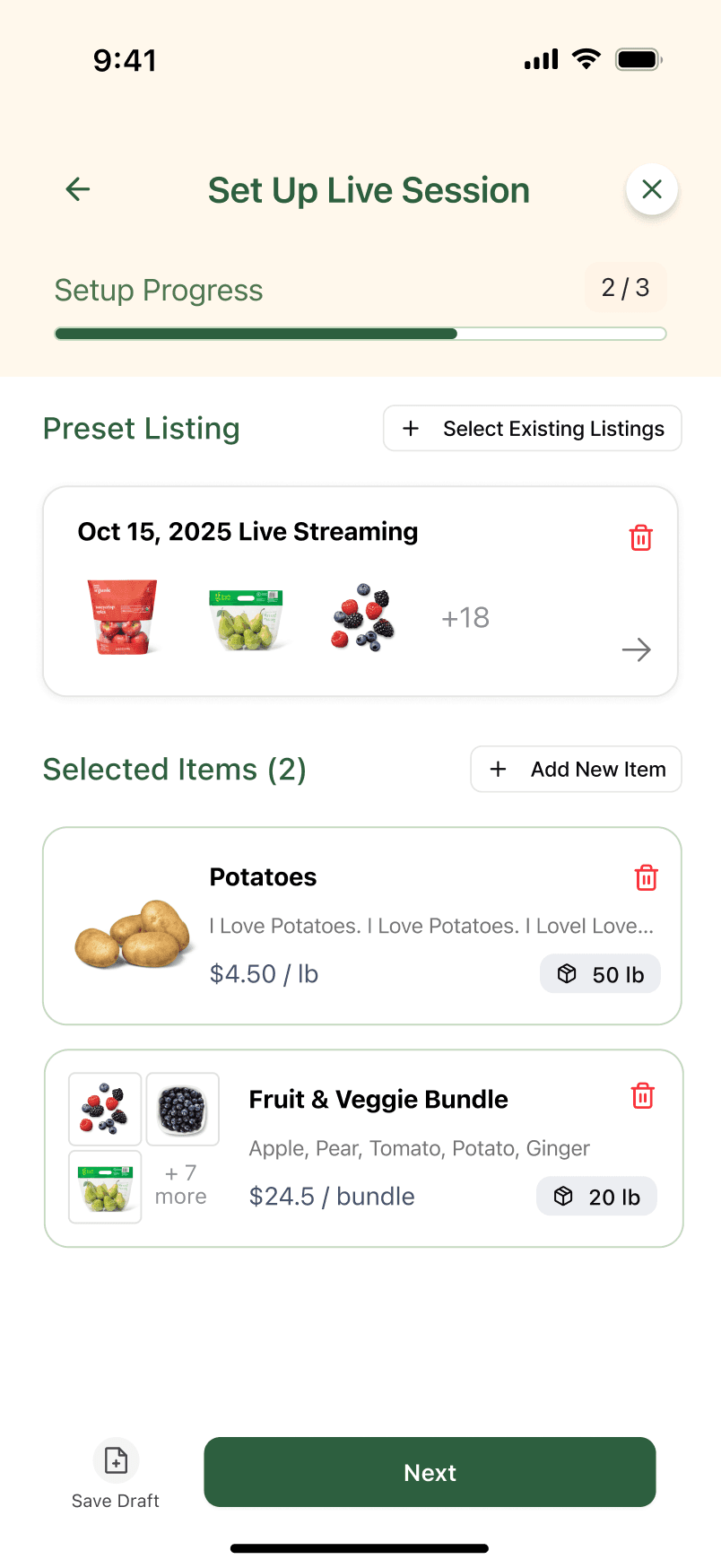
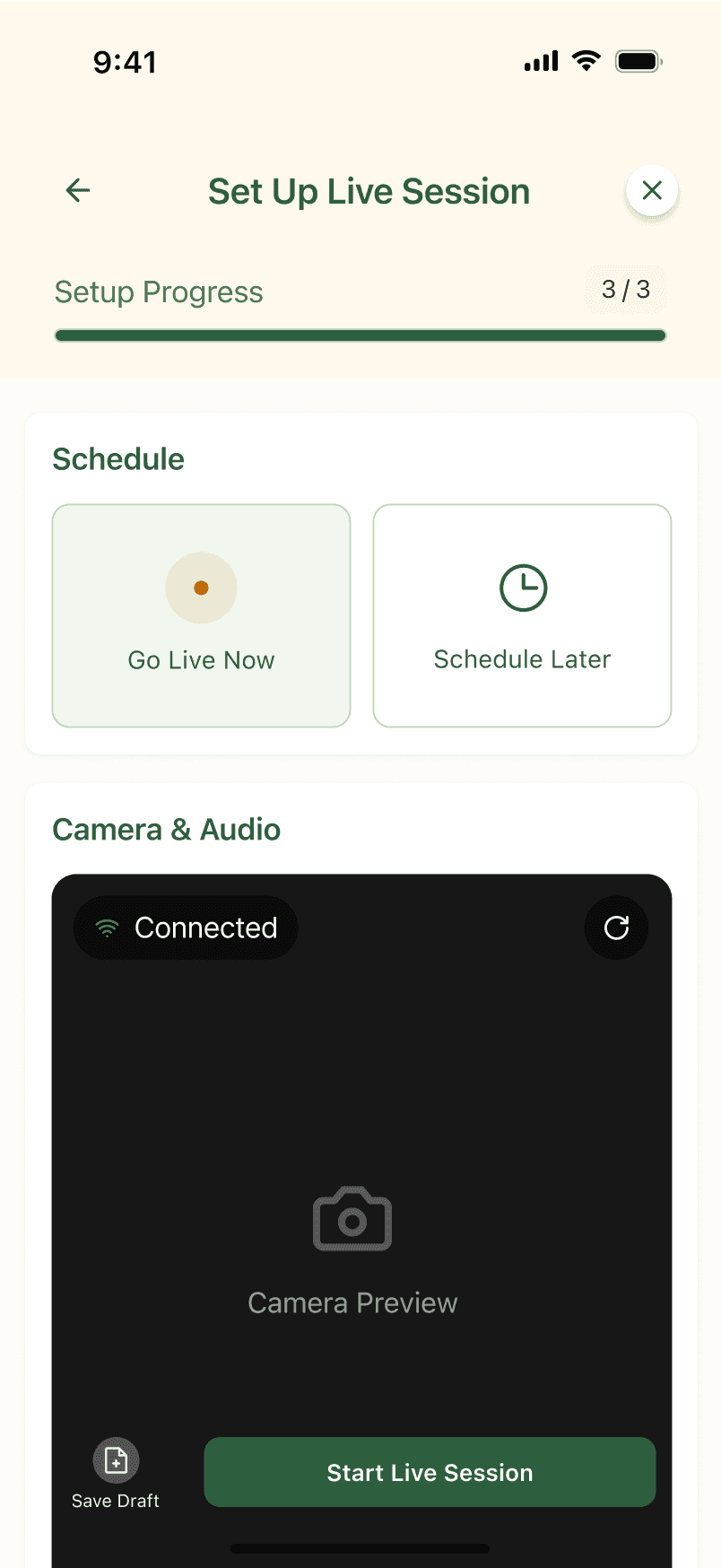
42.9% of our users navigated to the wrong destination but was able to find the correct feature. Instead of separating current session and future sessions, date selection will be available after users click into setup live session.
LOW-FIDELITY MODEL EVALUATION
Verify the practicality of the low-fidelity page functions and the smoothness of operation, and complete targeted optimization.
Next, we asked real users to test these low-fidelity prototypes and observed how they completed the exploration, attempted to join the live stream, created listings and verified the pick-up. Usability testing has revealed areas that can still be optimized.
DESIGN CHALLENGES
TASK1: EXPLORE THE HOMEPAGE
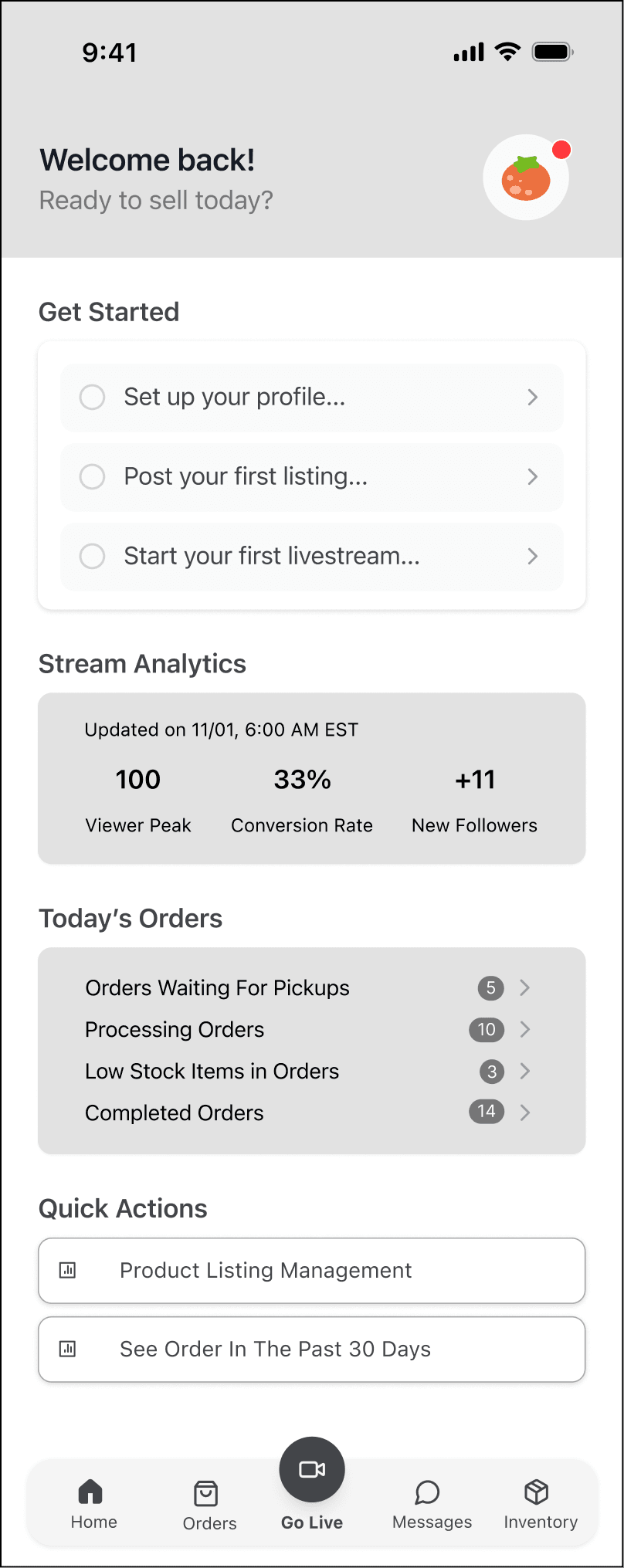
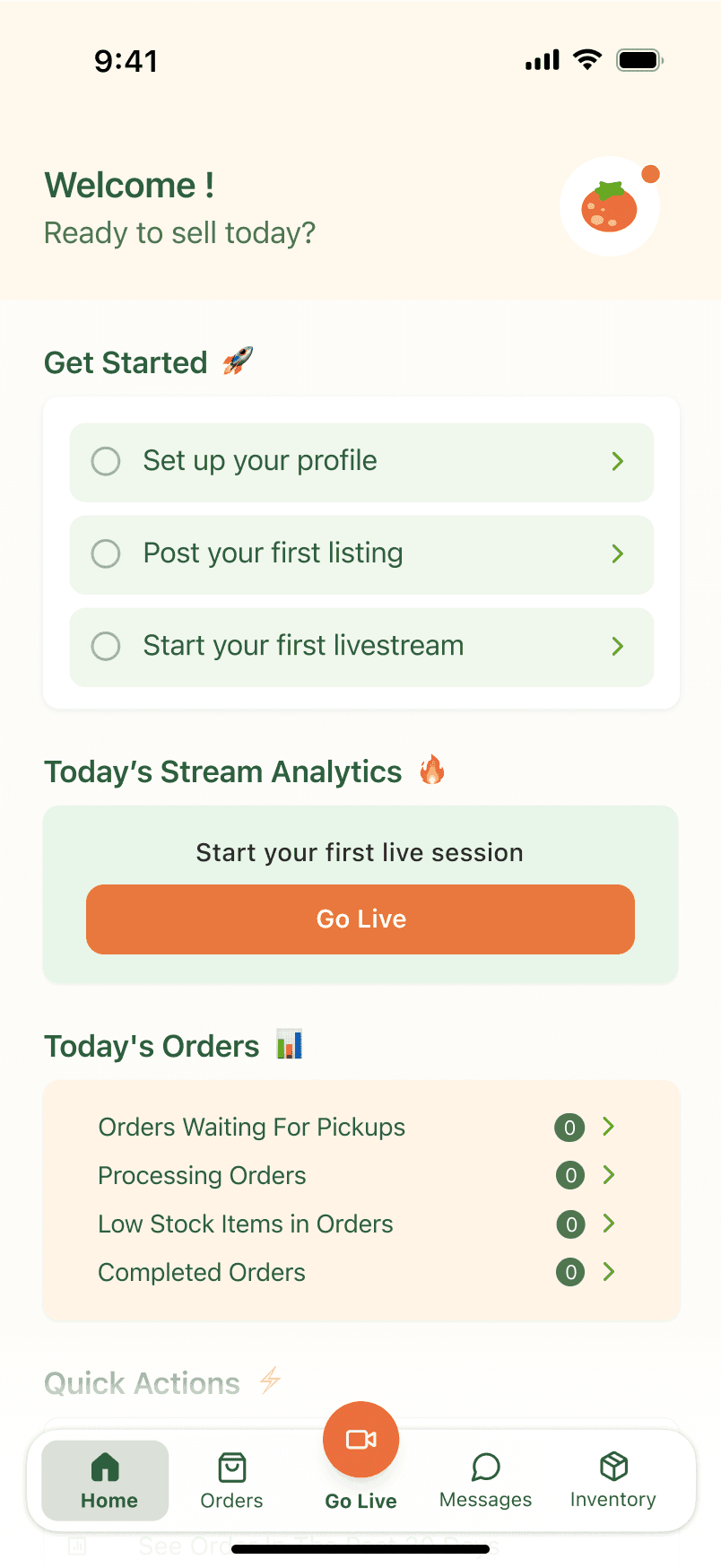
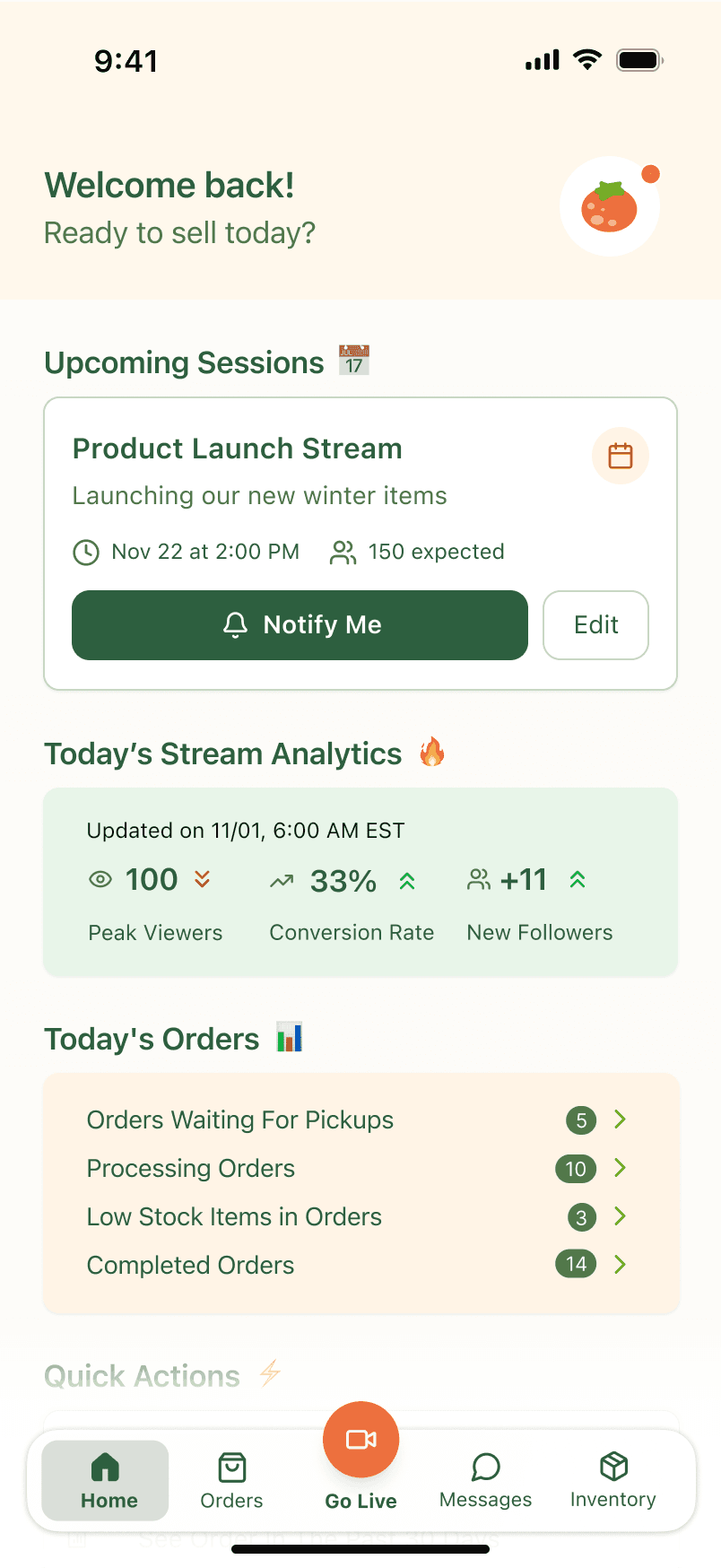
One participant noted that the “Welcome back” message was misplaced for a new user.
Participants were confused by the analytics section, questioning why metrics appeared before profile setup or login.
TASK2: PICUP VERIFICATION
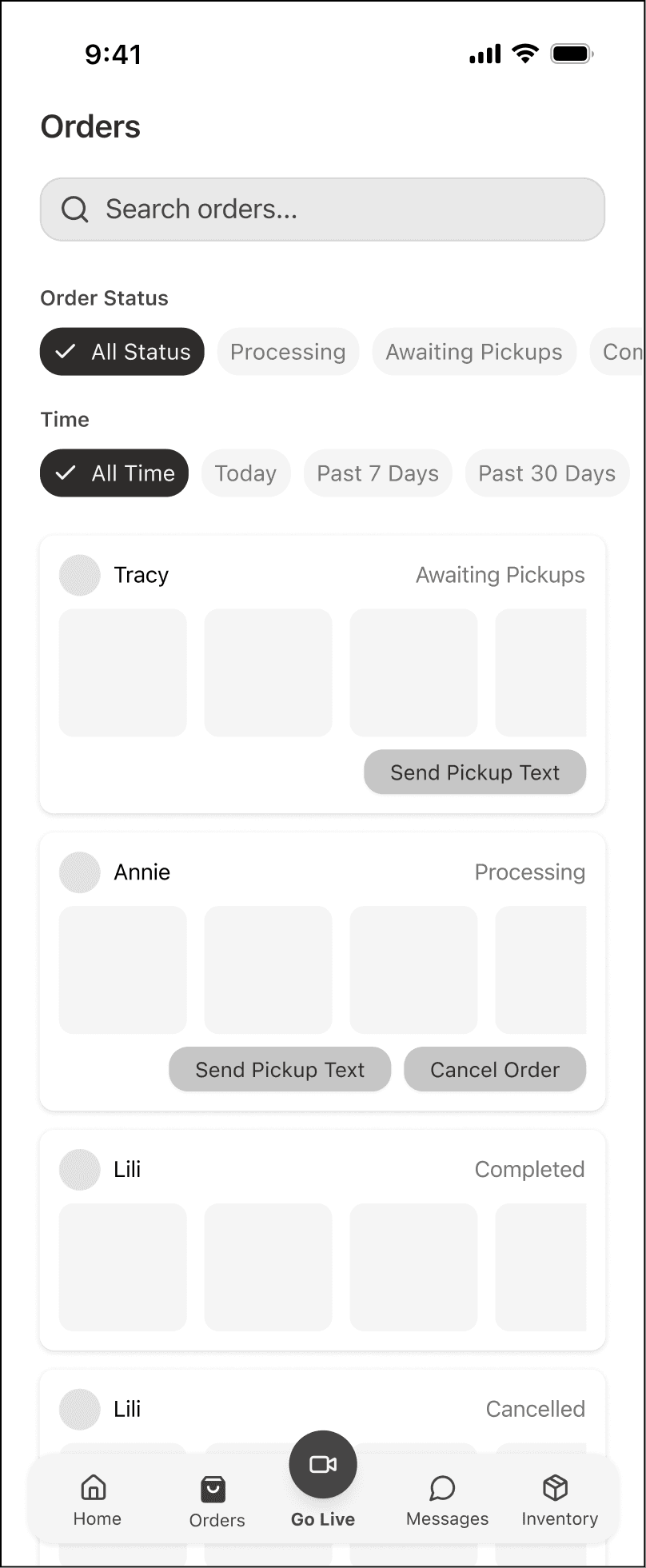
Participants preferred a search function over filters.
Some wanted to click on user avatars to view verification details.
It will be confused with the “verify” entry.
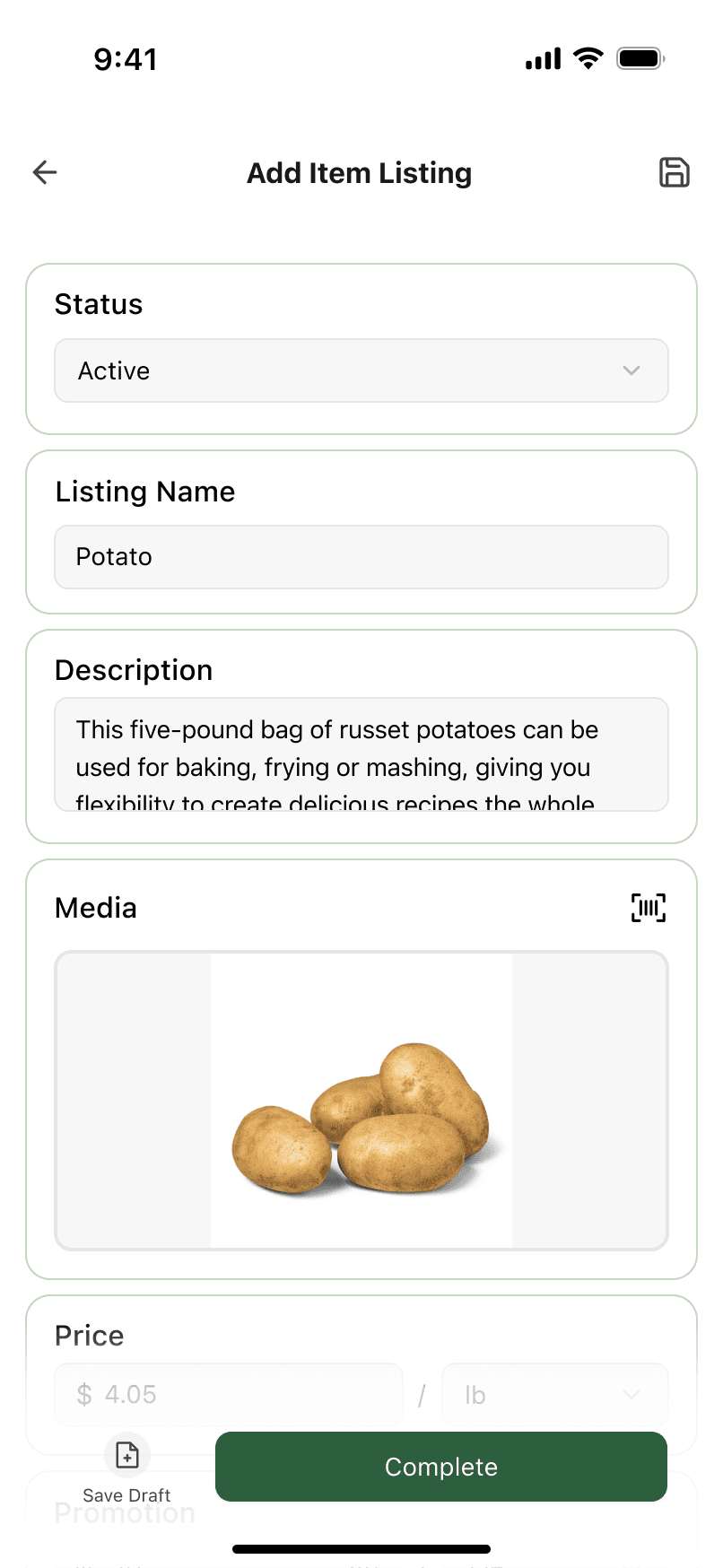
TASK3: ADD ITEM LISTING
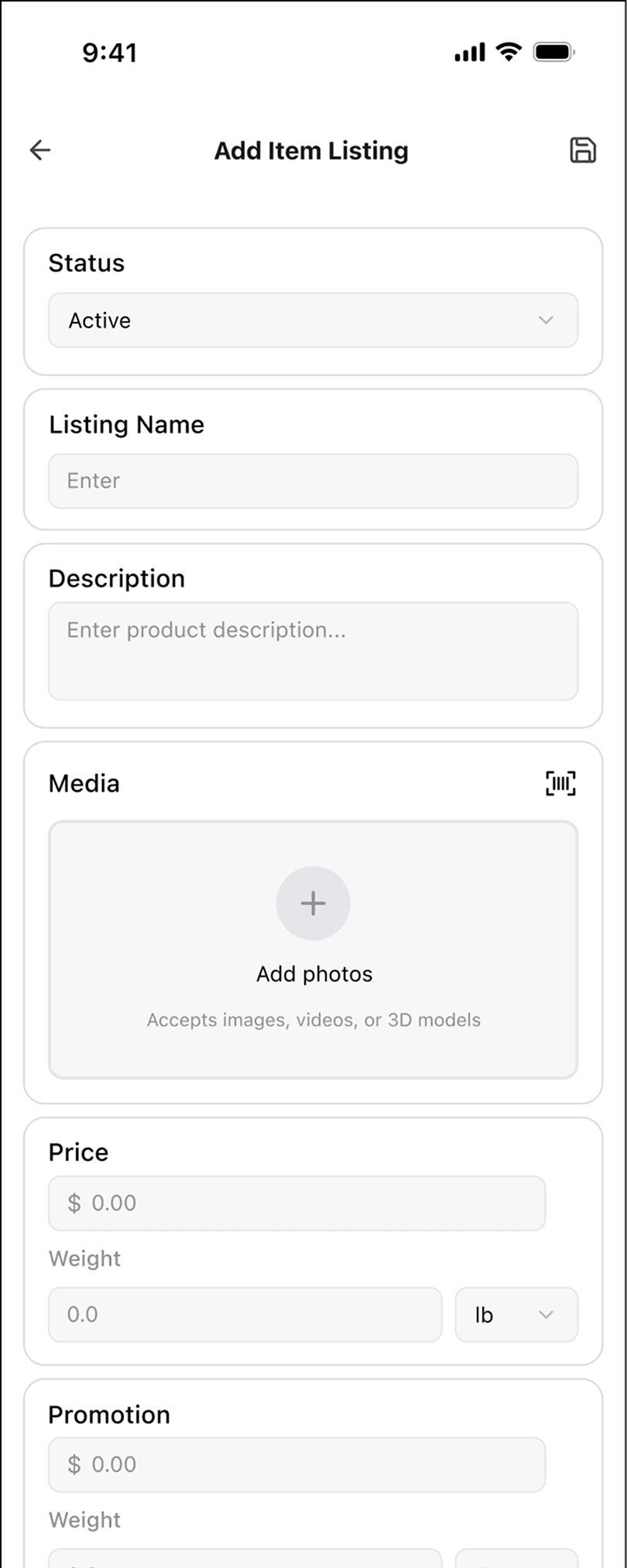
AI auto filling feature was mentioned.
Confusion about weights and pricing, unclear how items were being sold.
TASK3: ADD ITEM LISTING
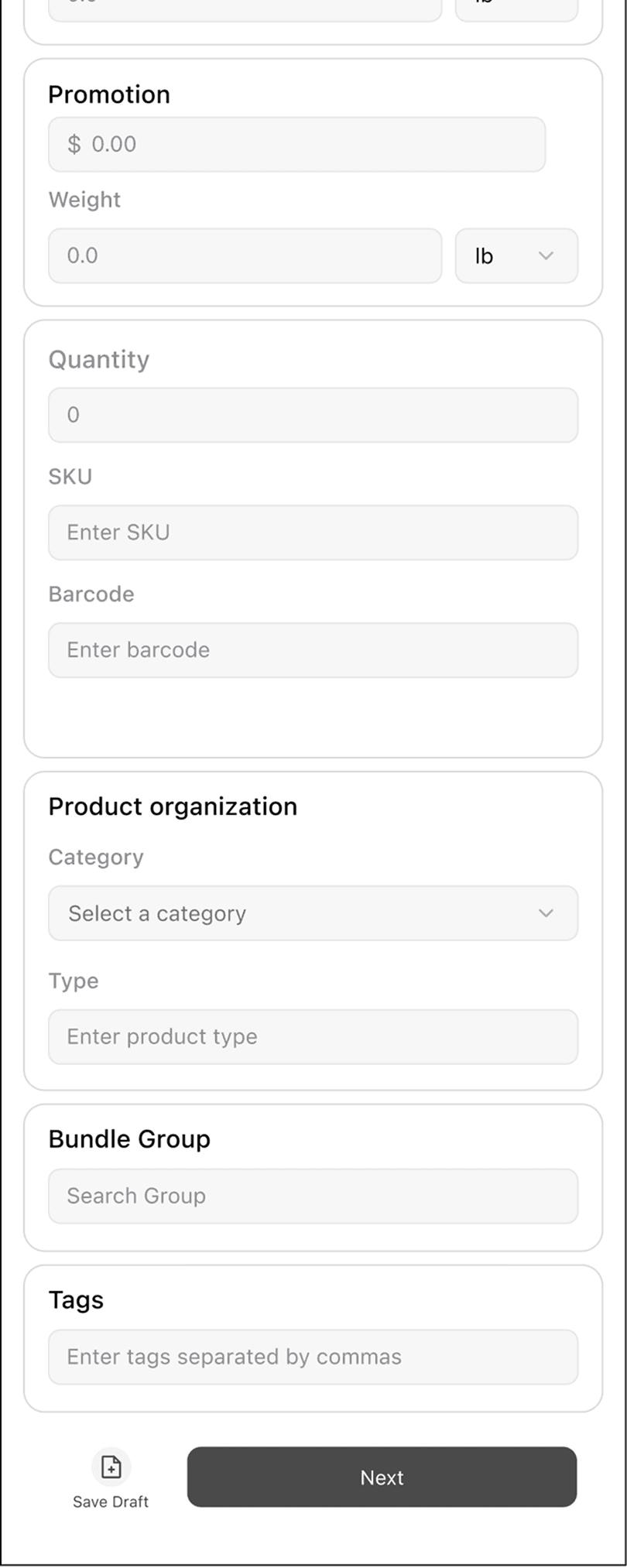
Participants questioned why SKU input appeared in multiple places.
Bundles were especially unclear, should be selection instead of search.
TASK3: ADD ITEM LISTING
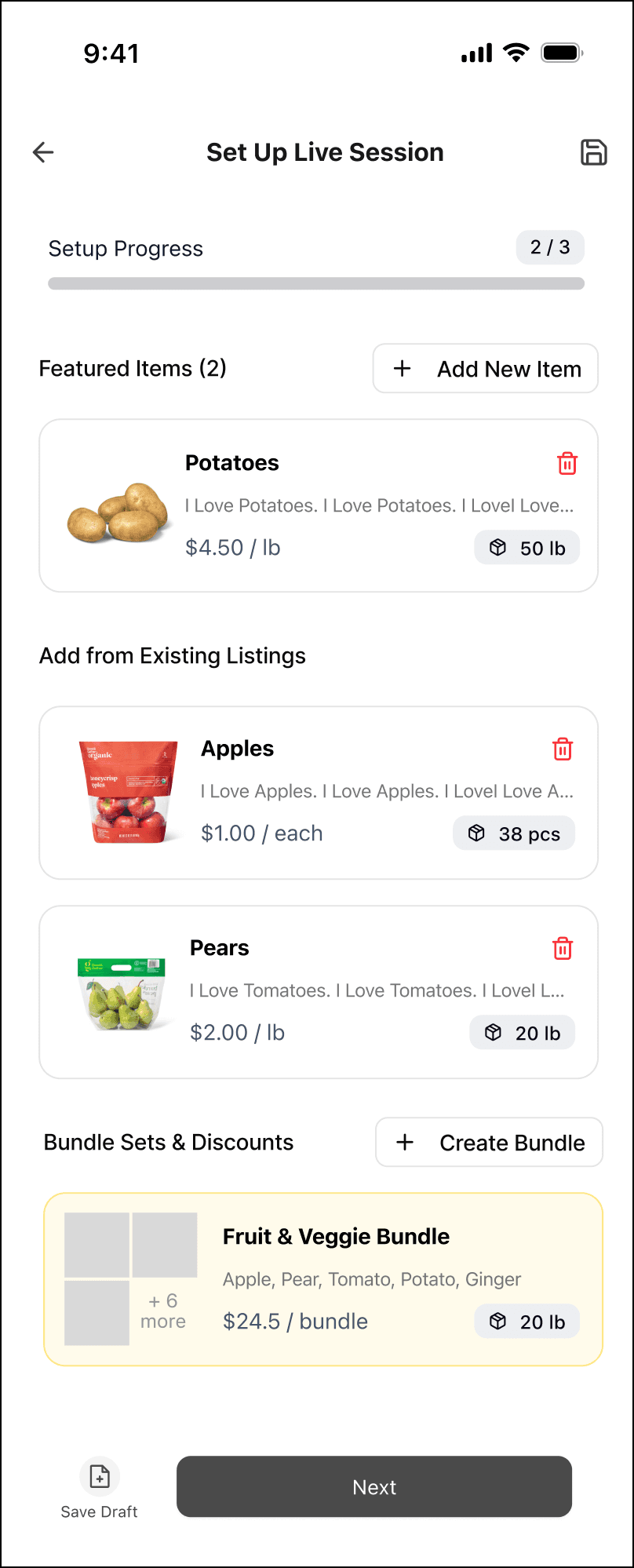
Elements like “Featured Items” and “Add from Existing Listings” caused confusion, add new items should stay in inventory.
Users will select items from inventory page, this should be selected items.
Bundle listings is fine, discounts display on each items/bundle.
FINAL PRODUCT
Delivered 5 core user flows for Baskit’s live-selling scenario, built a high-fidelity prototype, and established a brand-aligned design system to form a user-centric solution for local vendors.
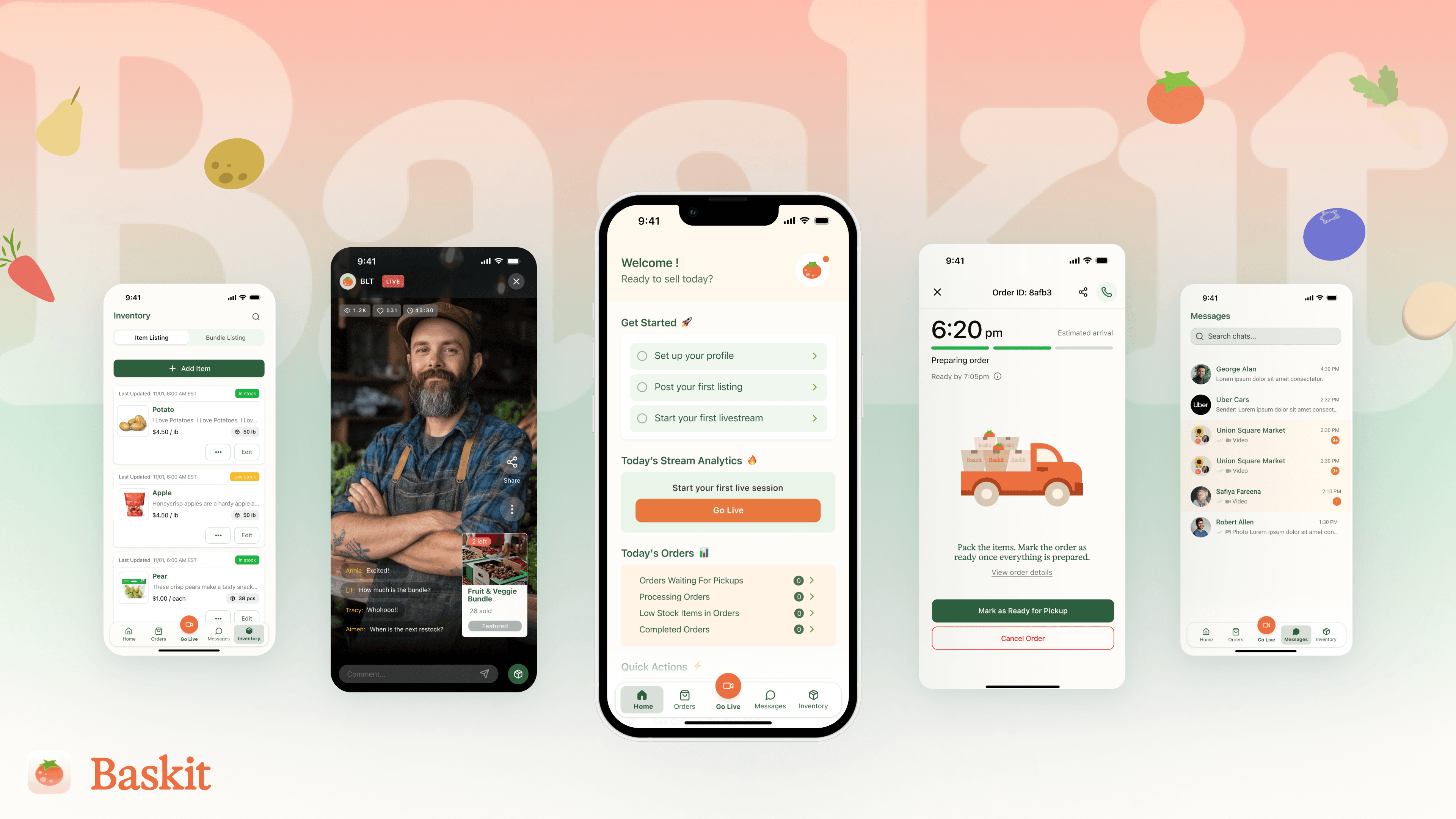

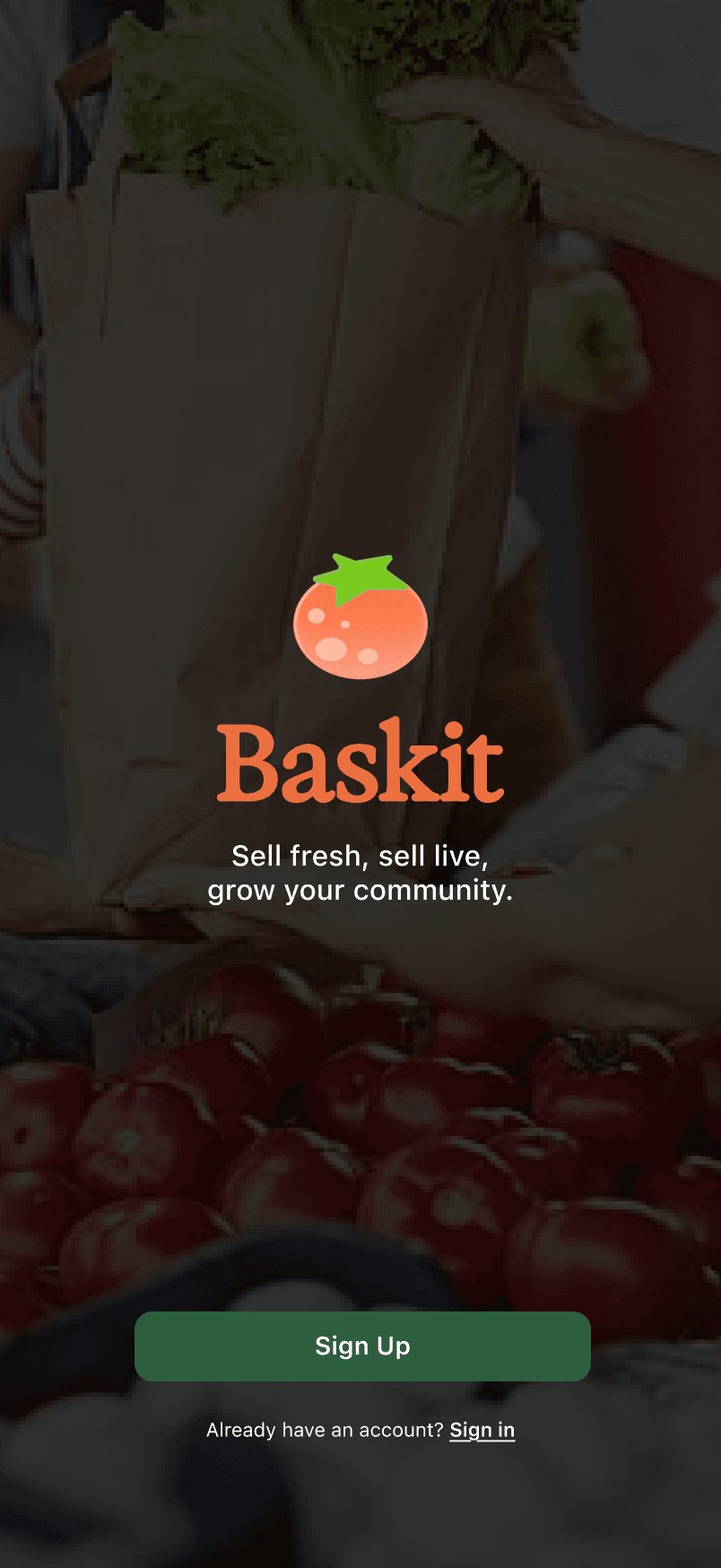
Sell fresh, sell live, grow your community.
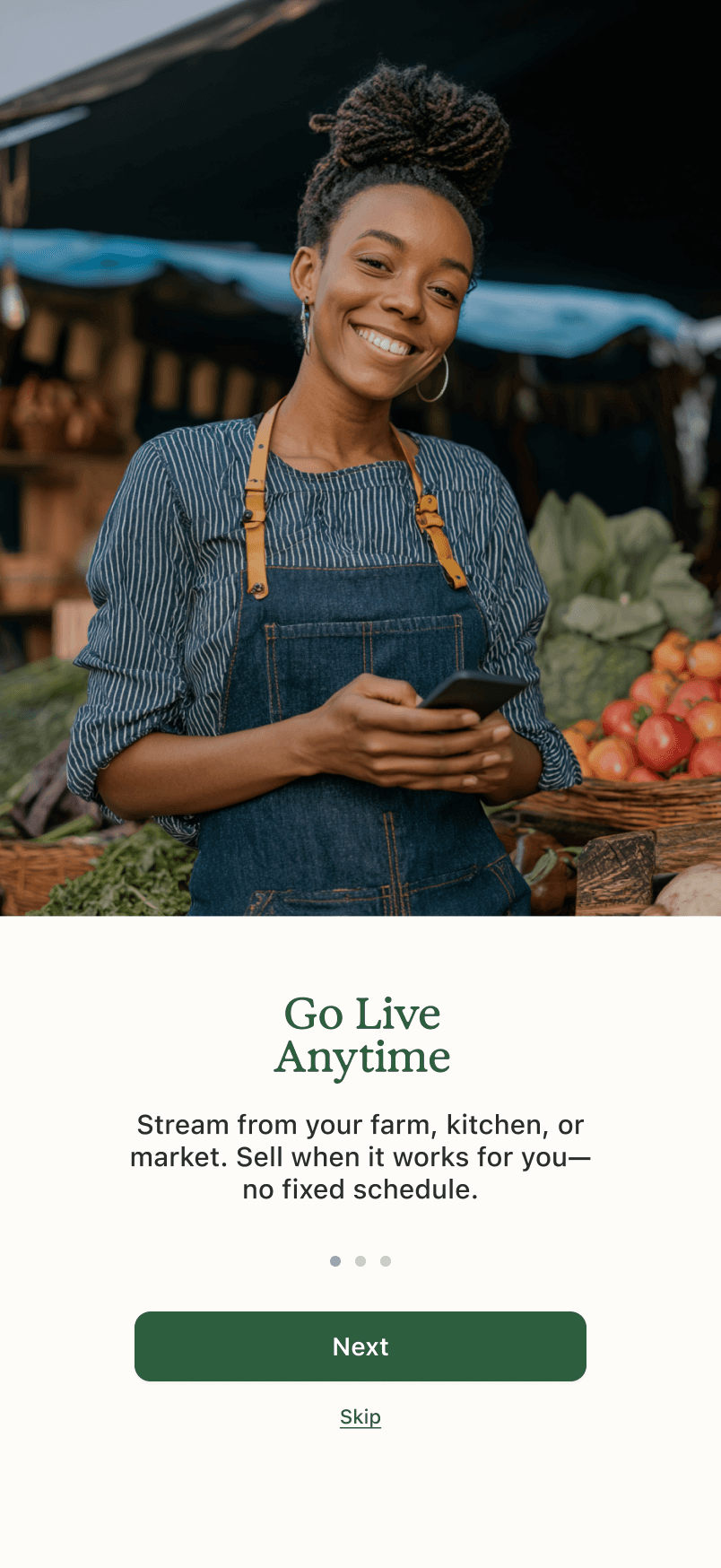
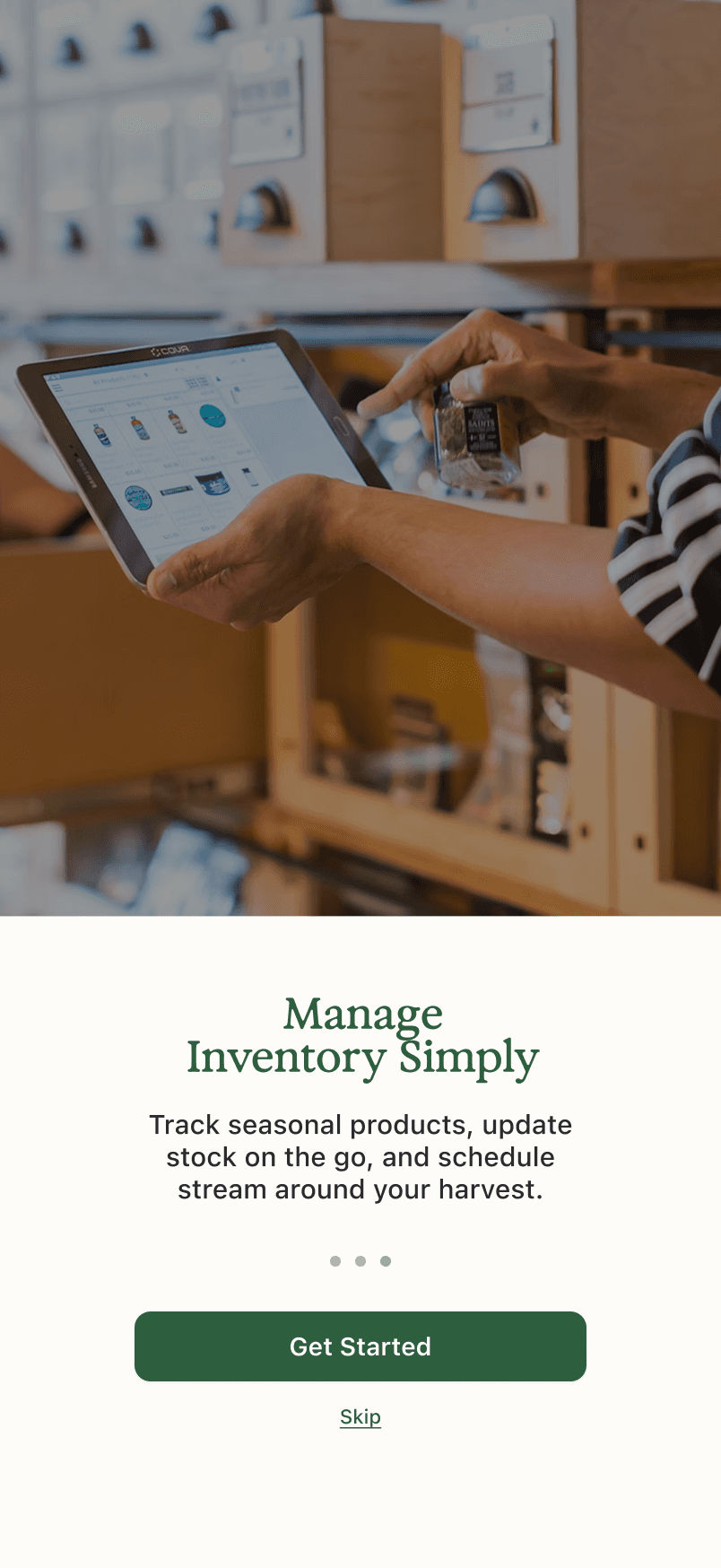
SCENARIO 1: ONBORADING

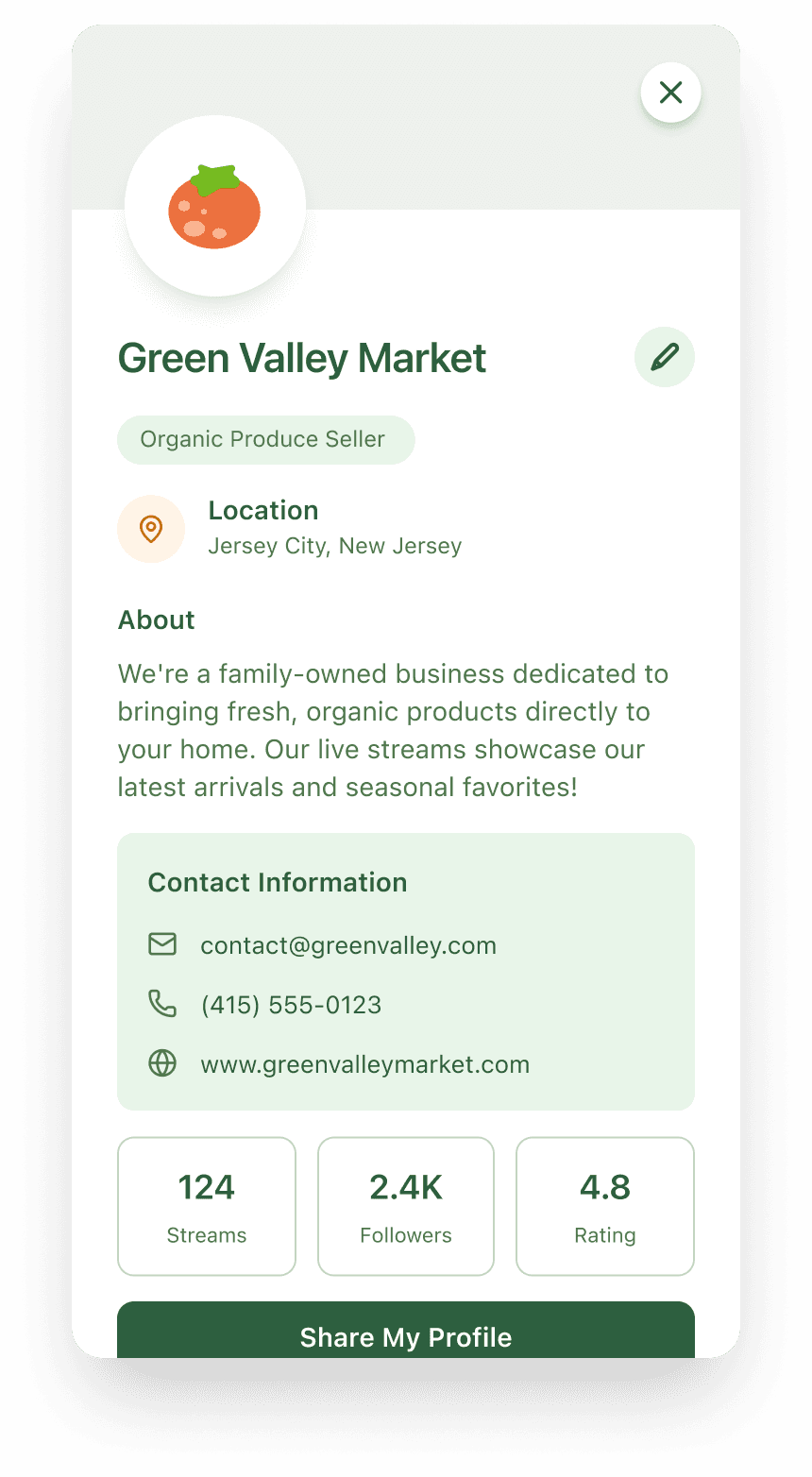
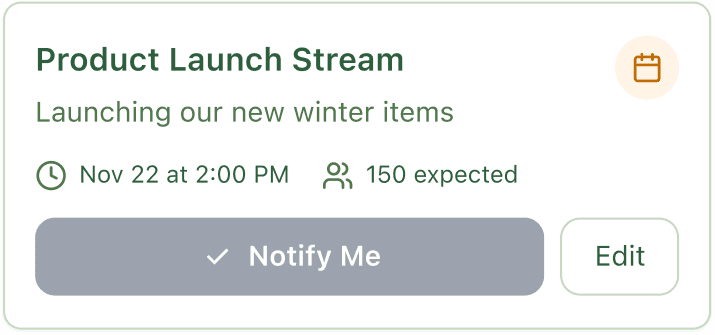
SCENARIO 2: HOME PAGE
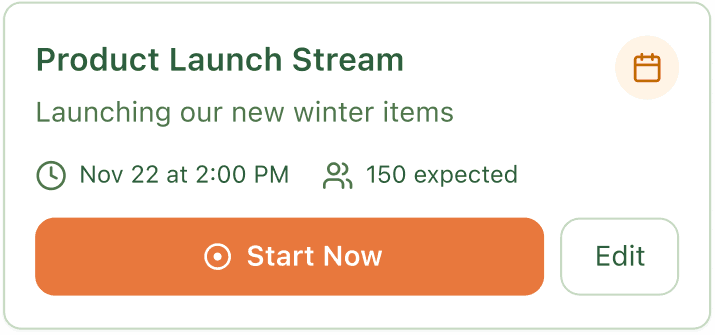
SCENARIO 3: INVENTORY PAGE
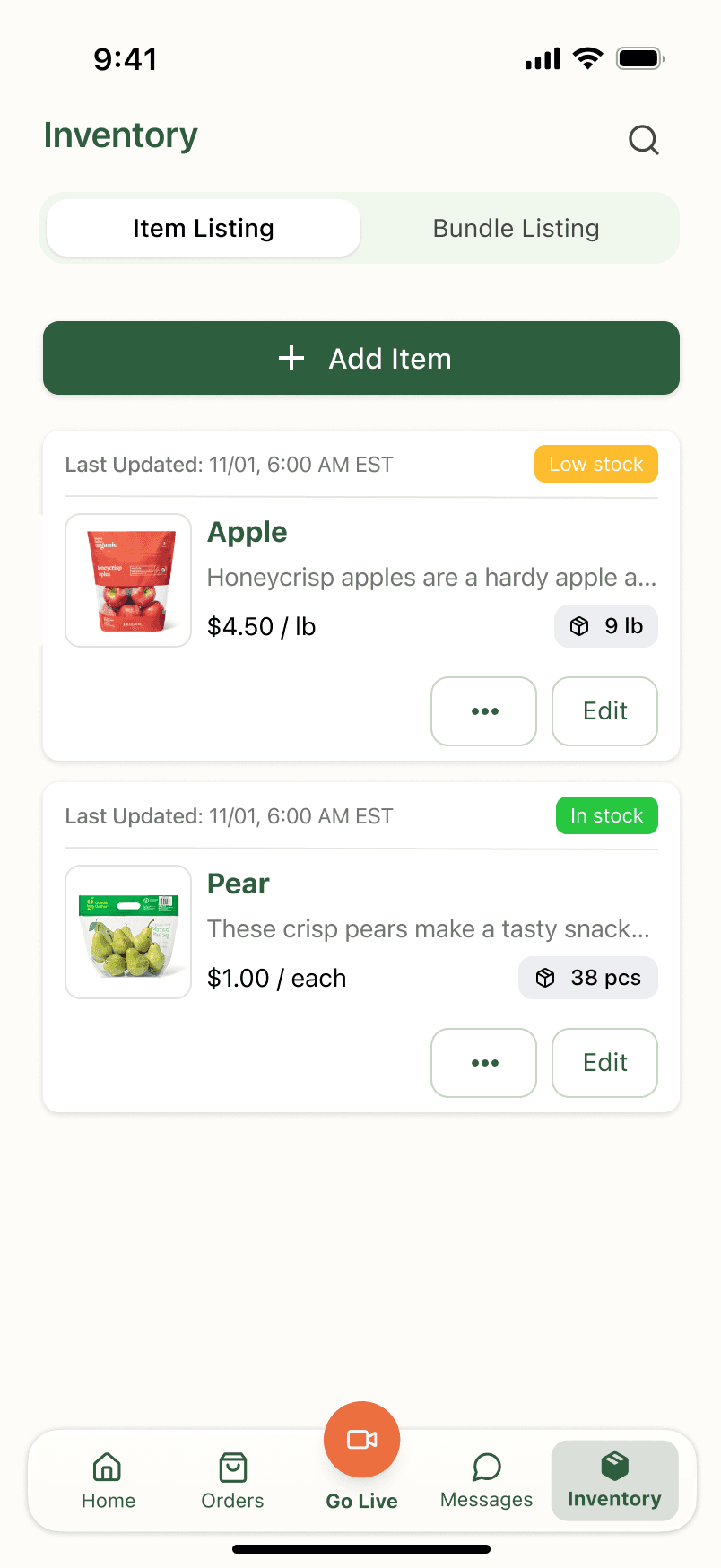
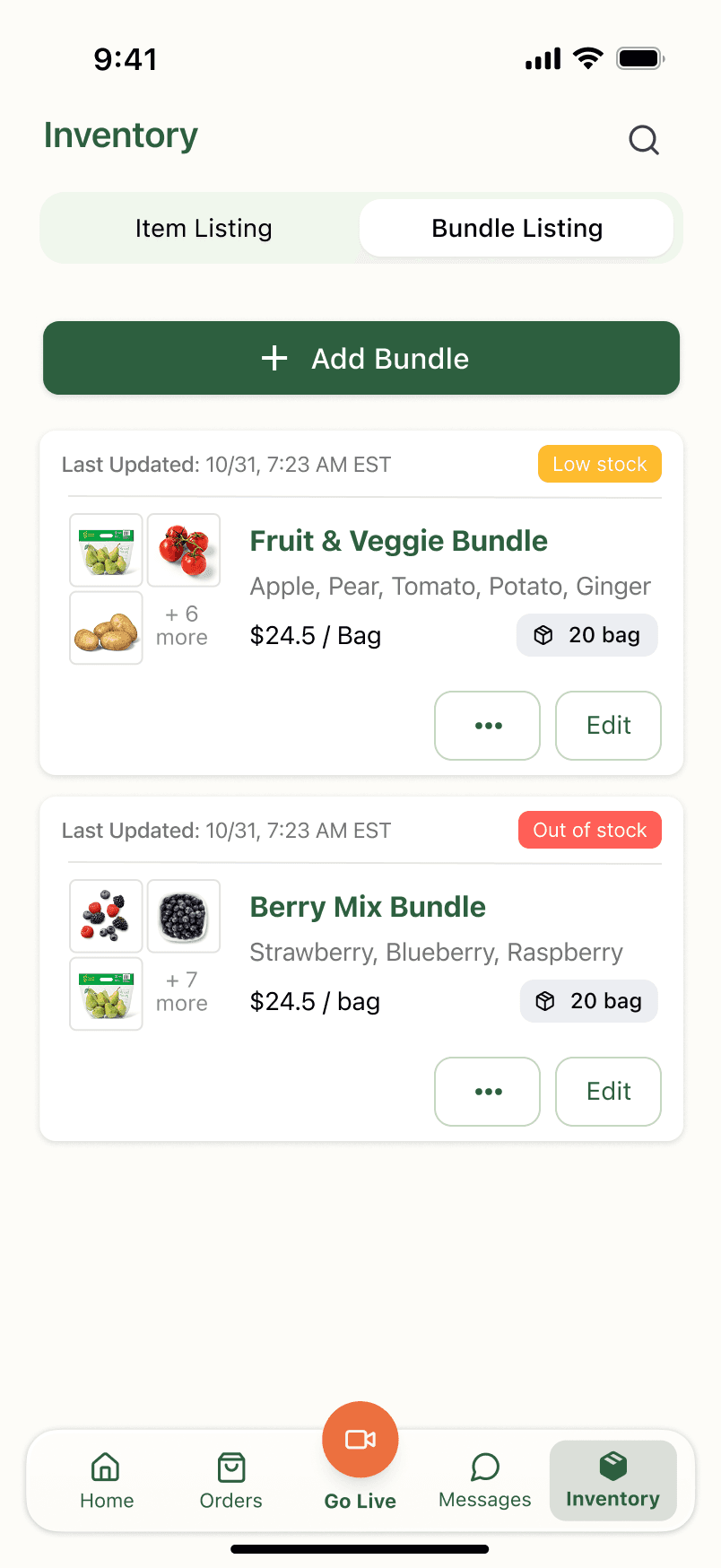
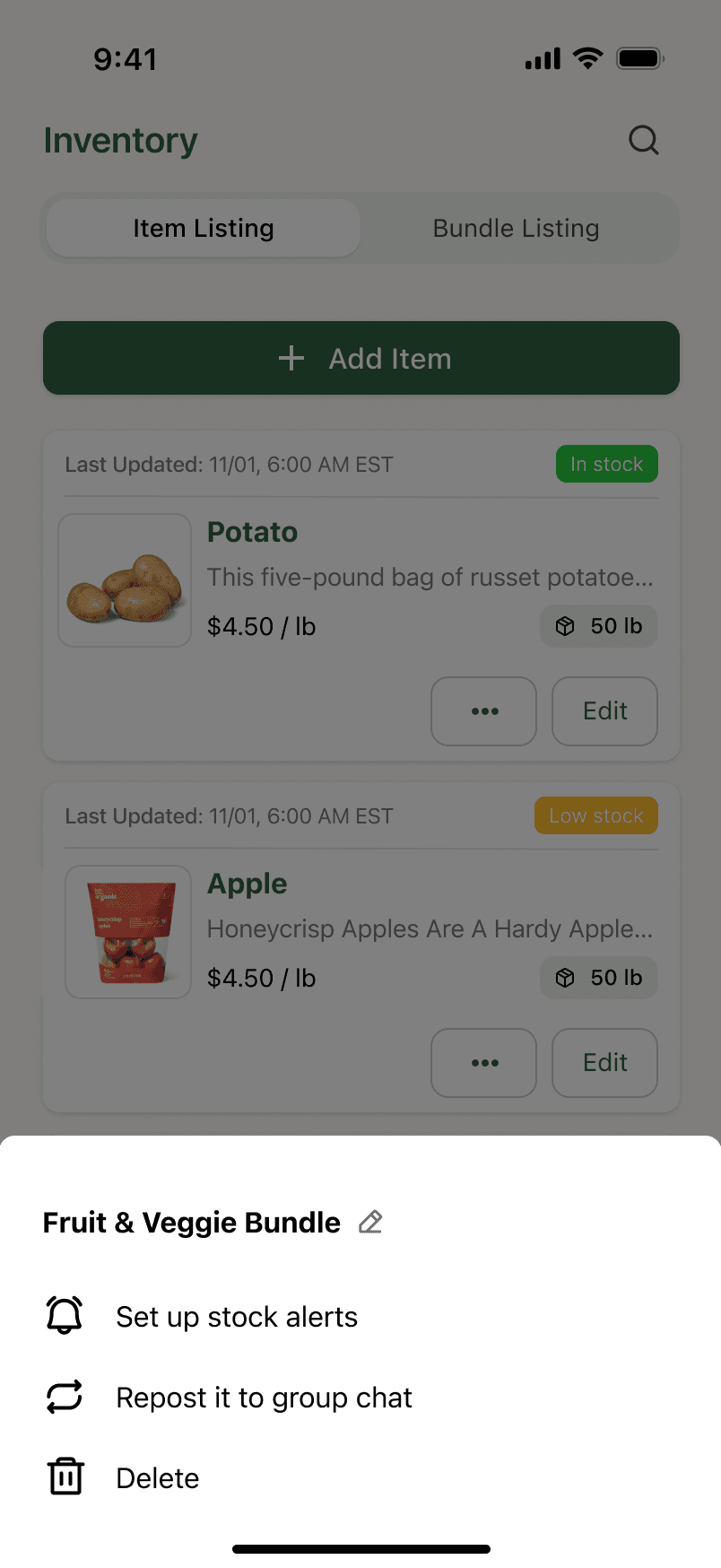
SCENARIO 4: ORDER & CUSTOMER VERIFICATION page
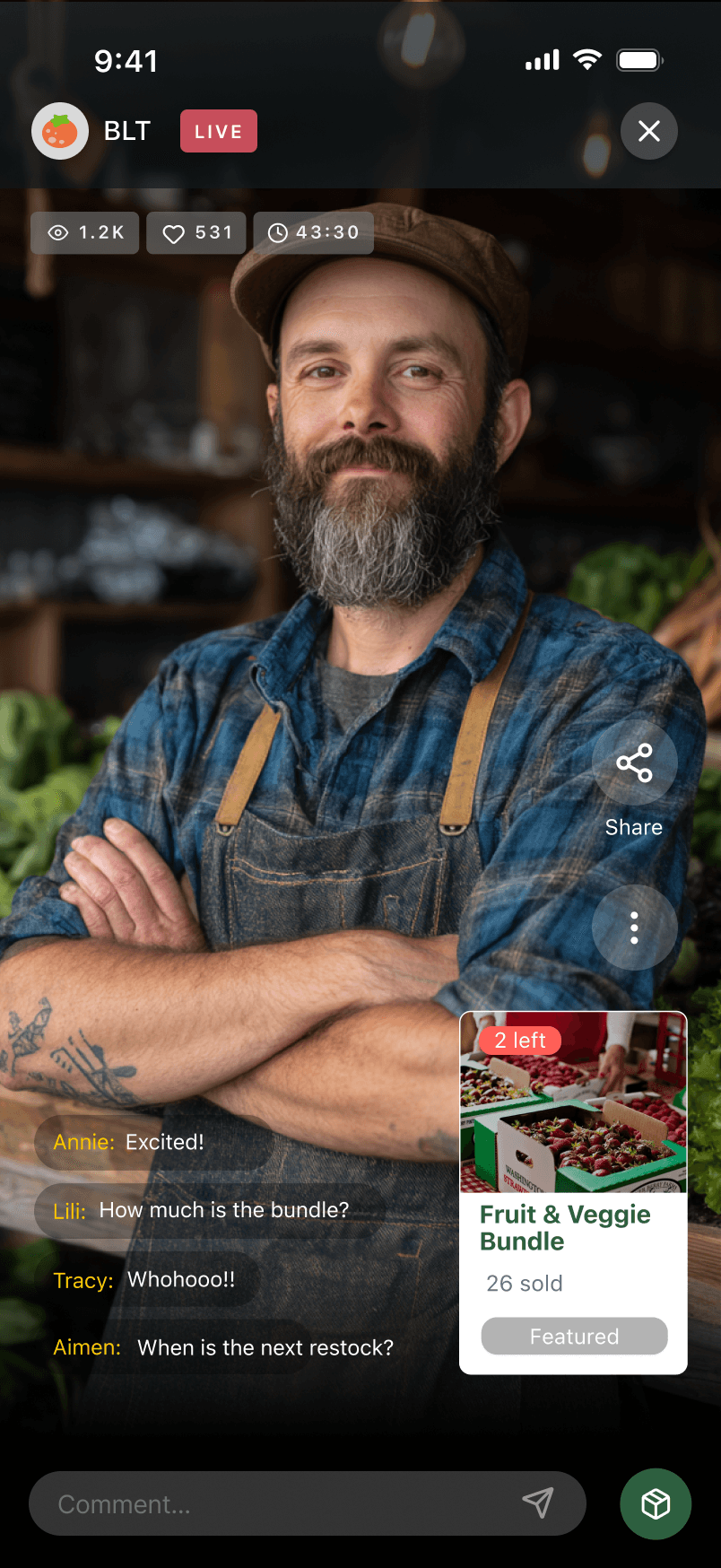
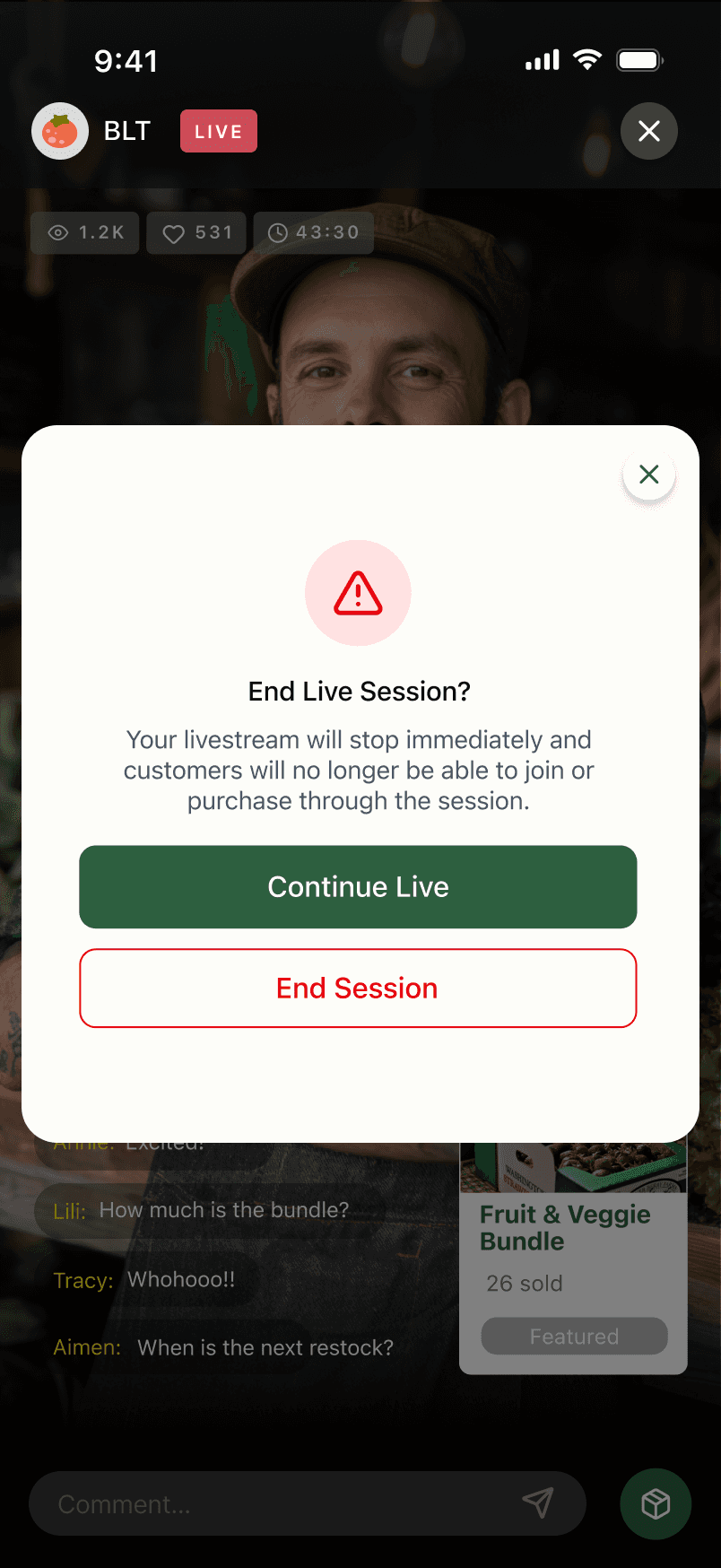
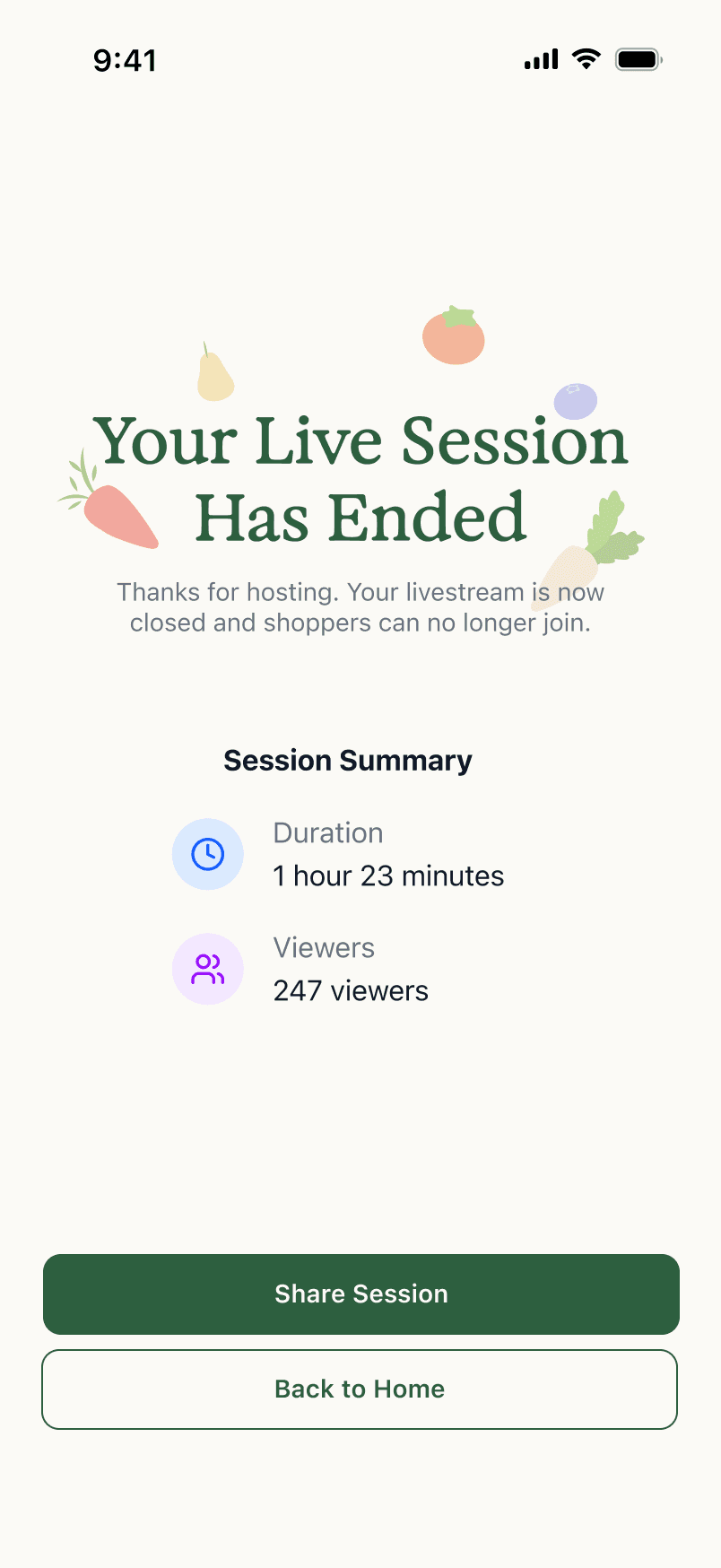
SCENARIO 5: GO LIVE PAGE